AI Workflow Automation: How to Choose Your First Workflow
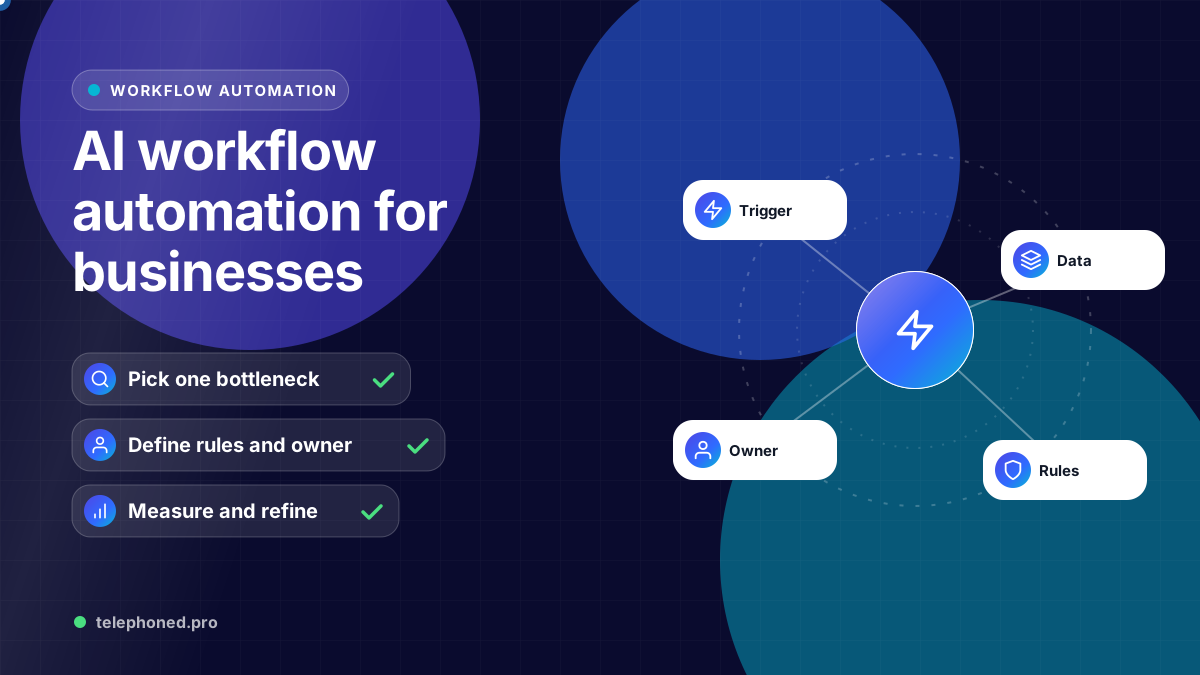
Choose an AI workflow to automate, define its trigger and owner, test exceptions, and measure completed handoffs across your existing business tools.
Read the guide →Automation Implementation
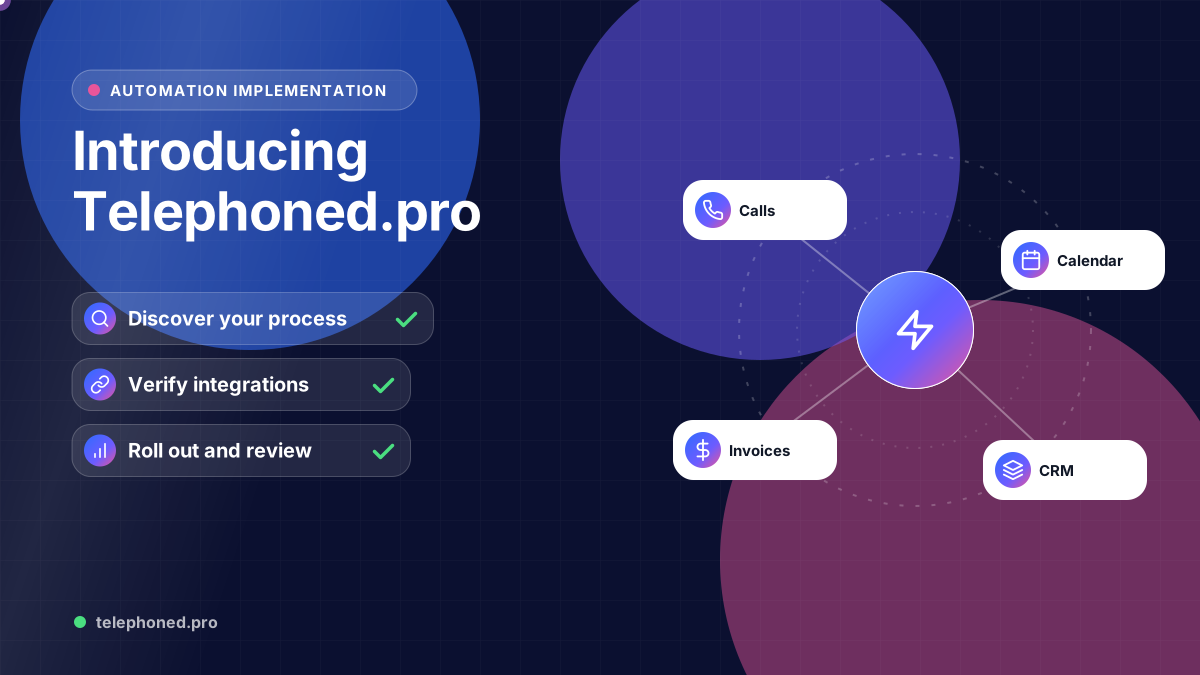
See the implementation process: discovery, workflow mapping, integration checks, testing, staff preparation and a measured rollout around your business tools.
For the wider workflow, explore AI Receptionist for Business: 24/7 Answering & Booking. For a related operating question, read AI Receptionist Calendar Failures: Avoid False Bookings.
Prepared by the Telephoned.pro team with AI assistance and editorial review. The process and examples explain implementation planning; they do not promise a fixed delivery date or verified customer outcome.
Telephoned.pro starts an AI automation implementation by understanding the process, tools and people involved. The work then moves through workflow mapping, integration checks, controlled testing, staff preparation and rollout. The first scope should be a defined business outcome, such as an accepted lead handoff or a confirmed booking, rather than an unspecified promise to automate everything.
This guide explains what to prepare for implementation. The company homepage describes the wider offer; the customer journey page shows how connected steps can work. The process below applies to growing US teams, regional operators and enterprise organizations, with the scope adjusted for their systems, locations and approval needs.
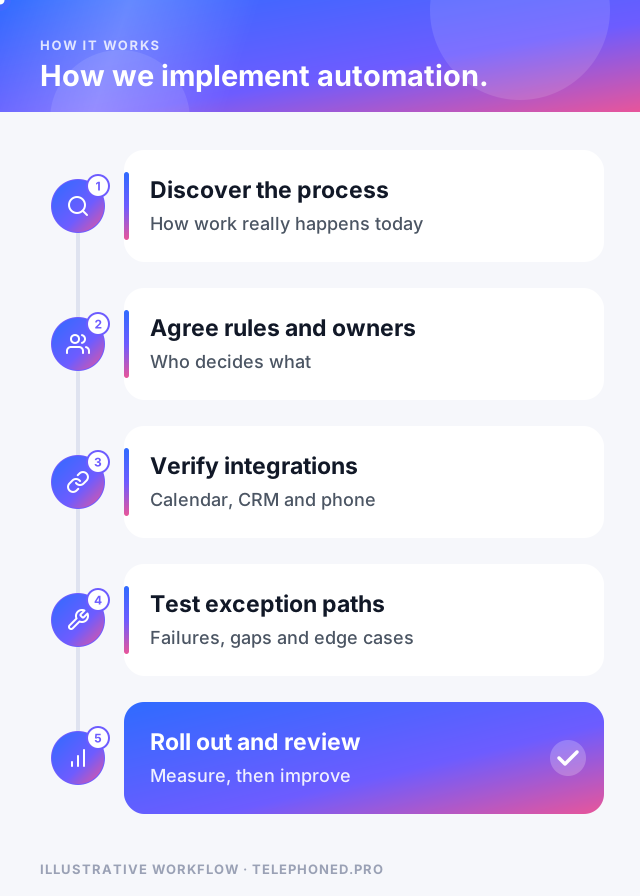
Start with what actually happens when an inquiry or internal task arrives. Identify the entry point, required information, responsible owner and systems that record the status. Include delays and exceptions. A flowchart of the ideal process is useful, but examples of where it fails are often more useful for defining the first implementation.
Decide what automation may do, what requires approval and what happens when information is uncertain. Name the owner who maintains approved business knowledge and the owner who handles failed runs. For larger organizations, document location routing, access boundaries and cross-department handoffs. Clear ownership is part of the design, not a task to leave until launch.
Confirm what the specific tools and account setup support. Reading a calendar, creating an appointment and receiving confirmation that it was saved are different requirements. A CRM connection must preserve the fields and assignment rules the team relies on. An available API does not by itself prove that the complete business workflow is supported.
Agree how retries, duplicate submissions and unavailable services will be handled. The workflow needs enough evidence to distinguish a successful action from an attempted request. Where a connection cannot support the required action, scope an alternative handoff or keep that step with staff.
Bring one real scenario to your demo. We will review the intended next step, existing systems and human handoffs.
Secure your spotUse realistic examples agreed with the business. Review the answers, records and next actions with the staff who will operate the workflow. Do not declare a test successful solely because a conversation sounds natural or a message was sent; verify the final state in the relevant system.
Show the team where to find records, how to accept a handoff, how to resolve an exception and how to pause the process. A limited rollout can establish whether the rules and integrations work in real conditions before the workflow expands to another location or step. Delivery timing depends on the actual scope and dependencies, so it is agreed during discovery.
Compare confirmed outcomes, time in queue, exceptions and staff handling effort against the baseline. Keep a record of business-rule and integration changes. Choose the next automation step after the first one has a reliable operating owner and measurable completion. A connected system grows from proven handoffs, including communication, sales, CRM, scheduling and internal operations.
| Phase | What happens | What you provide |
|---|---|---|
| Discovery | Map the current process, tools and owners | A normal case and an exception case |
| Design | Agree rules, approvals and failure handling | Decisions on what automation may do |
| Build and connect | Configure the workflow and integrations | Access to calendar, CRM or phone setup |
| Test | Run normal and exception paths together | Staff time to review results |
| Launch and review | Go live on a defined scope, then measure | Feedback on real cases |
The length of each phase depends on how many call types, locations and integrations are involved; a single booking workflow moves considerably faster than a multi-team routing setup. We agree a realistic timeline after discovery, before anything is committed.
Compare confirmed outcomes against the baseline you recorded before launch: inquiries answered, bookings confirmed in the calendar, handoffs accepted, exceptions resolved and the staff time spent on each. NIST's AI Risk Management Framework describes this as measuring and managing an AI system in its real context, and it is the same discipline any operations change deserves.
Keep reading
Bring one real workflow. We will show you how calls, follow-up and scheduling could connect for your business.