Missed Call Follow-Up: An Ownership Guide for US Businesses
Build a missed call follow-up workflow for your US service business: assign one owner, set callback rules and track inquiries through to a booked appointment.
Read the guide →Workflow Automation
Choose an AI workflow to automate, define its trigger and owner, test exceptions, and measure completed handoffs across your existing business tools.
For the wider workflow, explore Business Process Automation Services. For a related operating question, read AI Operations Automation: Owners, Exceptions, Reporting.
Prepared by the Telephoned.pro team with AI assistance and editorial review. Examples illustrate workflow design; they are not customer results. Integration availability and scope are confirmed during discovery.
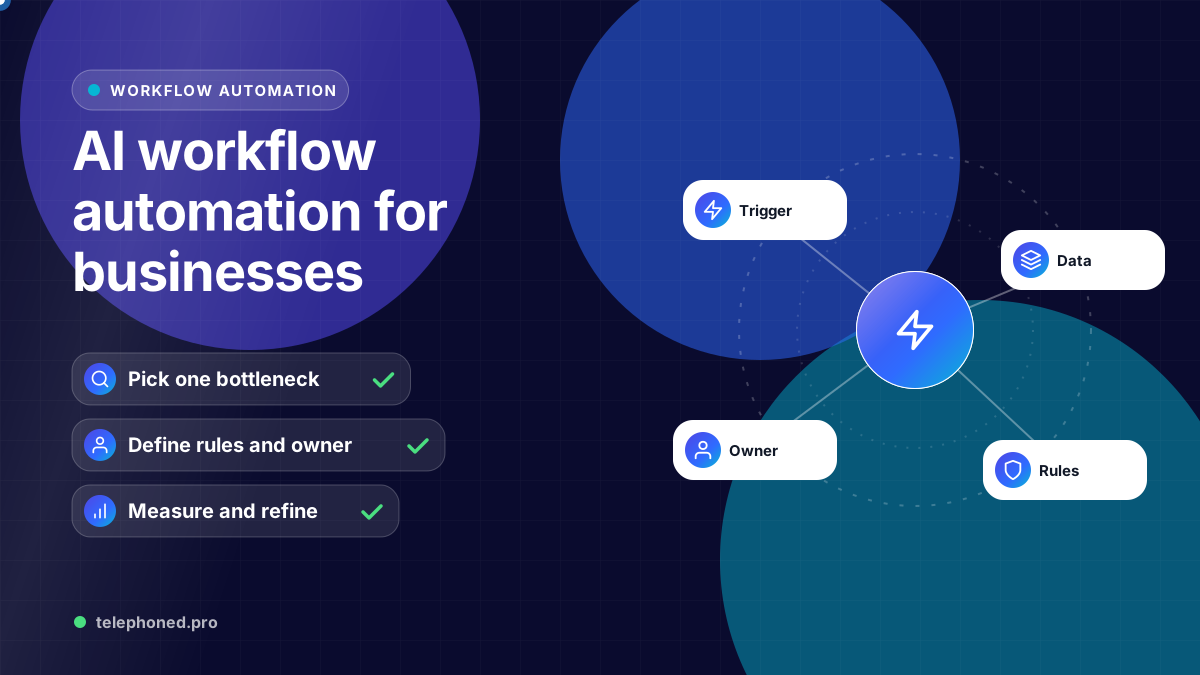
Start AI workflow automation with a frequent, measurable handoff that has clear inputs and a named owner. Map the trigger, business rules, actions and exception path before connecting the tools. A reliable first workflow is easier to expand than a broad project whose success nobody can define.
This guide focuses on choosing and testing the first workflow. A commercial implementation can connect CRM, communication, calendars and operational tools, but the scope should come from how your US business actually works. A single team may need one queue; a multi-location company may need assignment rules for every branch.
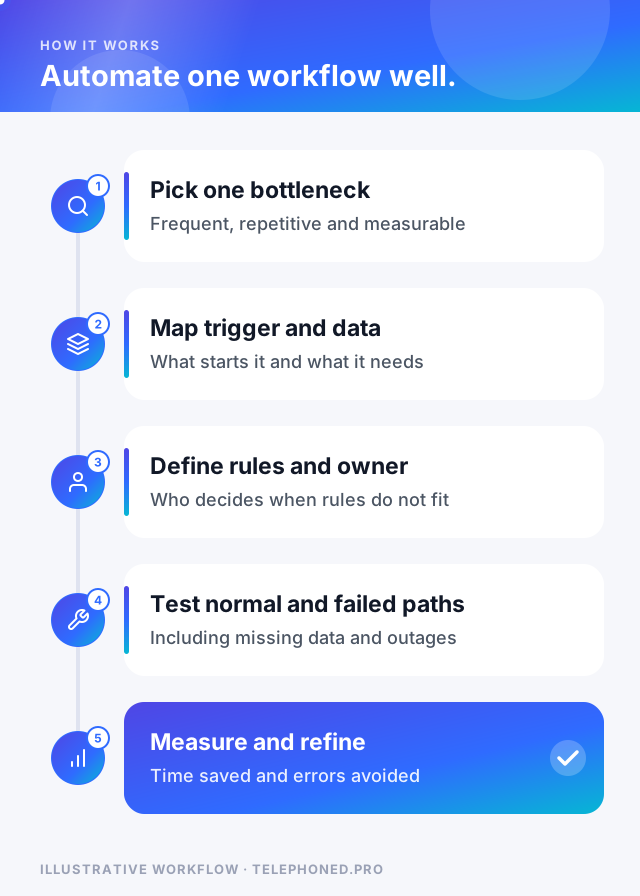
Review a recent sample of inquiries or internal tasks. Look for repeated copying, unassigned records, delayed responses or requests that are passed between teams. Record how many cases need the handoff, the typical delay and the time staff spend on it. Ask the people doing the work which exceptions make a seemingly simple task difficult.
Compare candidates by frequency, time per case, business impact and implementation complexity. Start with a process that has a reliable data source and a narrow outcome. An important workflow with unreliable records may first need a data cleanup or a clearer operating rule.
In an illustrative US regional operator, a form creates a new inquiry. The workflow checks for an existing record, captures the service request and maps the ZIP code to a location. A complete request creates or updates the CRM record and assigns an owner. An incomplete request is held for clarification. A ZIP code outside the approved service area follows an explicit response or review path.
AI can help classify the prospect’s description. Location eligibility should remain a deterministic rule. If the CRM cannot be updated, the workflow should surface the failed handoff and avoid treating the case as complete. If the same submission is retried, it should not create a second opportunity or send the same confirmation again.
Bring one real scenario to your demo. We will review the intended next step, existing systems and human handoffs.
Secure your spotChoose a responsible person for business rules and a person who can resolve failed runs. Begin with a limited process or one team, review real cases and document changes. For multi-location companies, test branch-specific rules before copying the workflow across locations. Confirm integration support, data access and the rollback procedure during implementation.
Track eligible cases, successful completions, exceptions, duplicate records and the time between trigger and completion. To estimate staff time saved, compare the measured time per case before and after launch and multiply by the number of successfully completed cases. Subtract the time spent reviewing exceptions and maintaining the workflow.
Use qualified appointments or progressed opportunities as commercial outcomes only where the workflow touches those stages. Preserve a baseline and account for changes in lead quality or volume. Expand to the next handoff when the first one produces a reliable, reviewable result.
| Criterion | Good first workflow | Better left for later |
|---|---|---|
| Frequency | Happens many times a week | Happens a few times a year |
| Inputs | Clear, structured and usually complete | Vague, varied or often missing |
| Outcome | Easy to verify (a booking, a task, a record) | Hard to judge without expertise |
| Risk if wrong | Recoverable and visible | Financial, legal or safety impact |
| Ownership | One team owns the result | Several teams dispute the handoff |
Score each candidate from your own records against these five criteria and start with the one that scores well on all of them. A frequent, low-risk handoff with a clear owner, such as routing a new inquiry or confirming an appointment, usually teaches the team more in a month than an ambitious multi-department workflow does in a quarter.
Every workflow will meet an unavailable system, a missing field or an unexpected request. Decide in advance which failures are retried, which stop the run and which become a task for a named person. Automation platforms document these error-handling options, but the business decision about what is safe to repeat belongs to you. The rule of thumb: never retry a step automatically if you cannot tell whether the first attempt already succeeded.
Keep reading
Bring one real workflow. We will show you how calls, follow-up and scheduling could connect for your business.