Medical Answering Service vs AI Receptionist
Medical answering service or AI receptionist? Compare privacy, BAAs, emergency escalation and after-hours coverage, with a checklist for any vendor.
Read the guide →AI Receptionist
A simple formula, the five numbers to track before and after launch, and a worked example, so you know within 30 days whether an AI receptionist pays.
For the wider workflow, explore AI Receptionist for Business: 24/7 Answering & Booking. For a related operating question, read AI Receptionist ROI Calculator.
AI-assisted editorial guide from Telephoned.pro, a provider of AI receptionist services. Wage and compensation figures come from the US Bureau of Labor Statistics; response-time research comes from a 2011 Harvard Business Review study, all cited below. The worked example uses illustrative numbers, not a customer result.
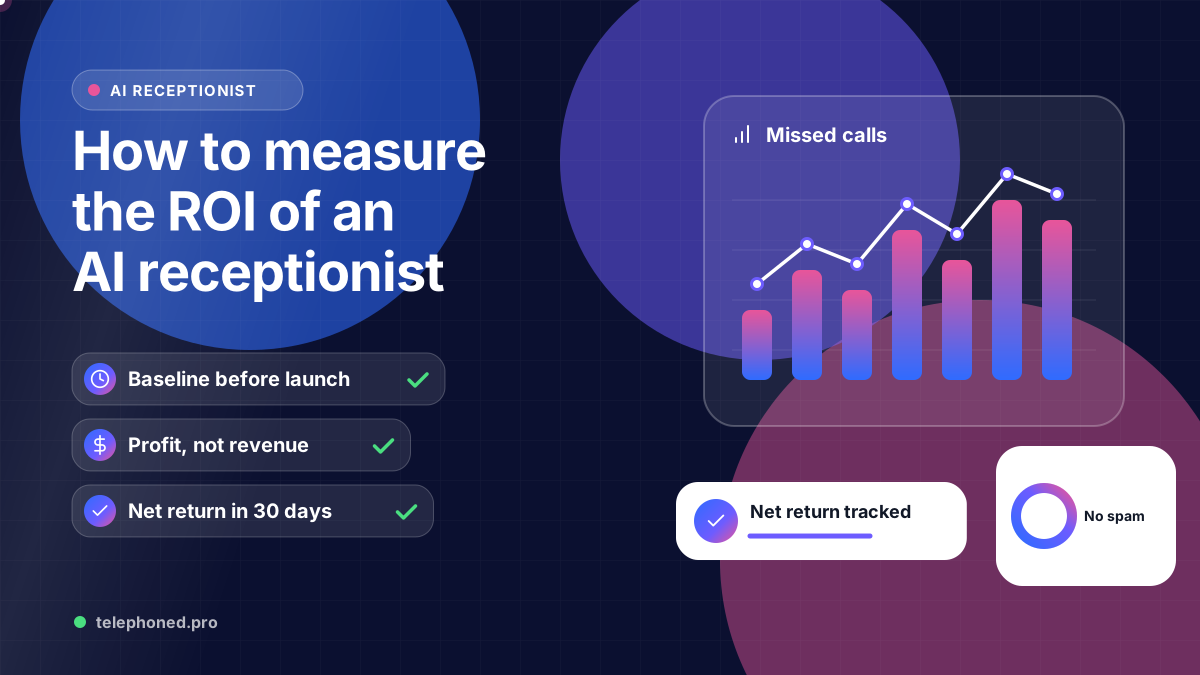
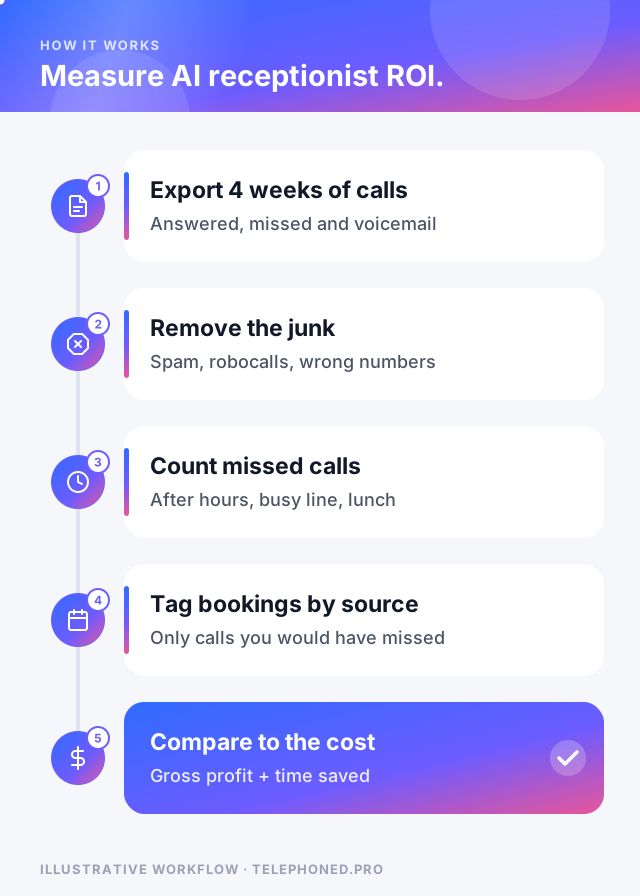
To measure the ROI of an AI receptionist, compare four weeks before launch with four weeks after: add the gross profit from jobs booked on calls you used to miss and the staff time you got back, subtract what the service costs, and divide by that cost. If the answer is above zero, it is paying for itself; the rest is making sure each number is real.
Most owners skip the baseline and end up arguing from feelings. This guide gives you the formula, the five numbers to pull from your phone system and calendar, a worked example, and the mistakes that make ROI look better or worse than it is. If you only want a quick estimate before buying, start with our ROI calculator; come back here to prove it after launch.
Those numbers frame both sides of the equation. A human receptionist costs more than the wage on the job ad, because benefits add roughly 42 cents for every wage dollar across US private industry ($13.58 on $32.07, per BLS). And the HBR audit is a reminder that slow or missing replies are common, which is exactly the revenue an always-on receptionist can recover.
Keep it to one line you can explain to a business partner: ROI = (recovered gross profit + staff time saved − monthly cost) ÷ monthly cost. Recovered gross profit is the profit from jobs booked on calls that would otherwise have gone unanswered. Staff time saved is the hours your team no longer spends answering and scheduling, valued at loaded cost.
| Number to track | Where to find it | What to watch for |
|---|---|---|
| Inbound calls per month | Phone system or carrier call log | Remove spam, robocalls and wrong numbers first |
| Missed or unanswered calls | Call log: no-answer, voicemail, abandoned | Split by after hours, busy line and business hours |
| Jobs booked from those calls | Calendar or CRM, tagged by source | Only count new bookings, not callbacks you would have won anyway |
| Gross profit per job | Your job costing or accountant | Use profit after parts and labor, not ticket price |
| Staff hours on the phone | Time log for one typical week | Value it at wage plus benefits |
Pull each number for the four weeks before launch, then again for weeks five to eight after launch. Skip the first week or two: that is when you are still tuning answers and escalation rules, and our first-week call audit checklist covers what to fix then.
Bring one real scenario to your demo. We will review the intended next step, existing systems and human handoffs.
Secure your spot“If you didn't count your missed calls before launch, every result after launch is a guess.”
Here is an illustrative example, not a customer result. A plumbing company in Phoenix logs 60 missed calls in a month, mostly after 6 p.m. and on Saturdays. After launch, the AI receptionist answers them. About 40 turn out to be real customers, and 15 book a job. With an average gross profit of $225 per job, that is $3,375 in recovered profit.
The office manager also stops spending about 20 hours a month on routine scheduling calls. Using BLS figures, a receptionist's median $18.27 an hour plus the private-industry benefit ratio comes to roughly $26 an hour loaded, so those hours are worth about $520. Against a hypothetical $1,500 monthly cost, the net gain is $2,395, a return of about 160% for the month.
Good call disposition reporting makes most of these mistakes easy to avoid, because every call is already labelled as booked, escalated, spam or information only.
If the return is positive, keep measuring monthly; if it is negative, look first at the missed-call count and booking rules before deciding the tool does not work. Either way, you will be deciding from numbers rather than impressions, and that is the point of measuring AI receptionist ROI at all.
Keep reading
Bring one real workflow. We will show you how calls, follow-up and scheduling could connect for your business.
Keep exploring
The services and decisions that connect to this page.