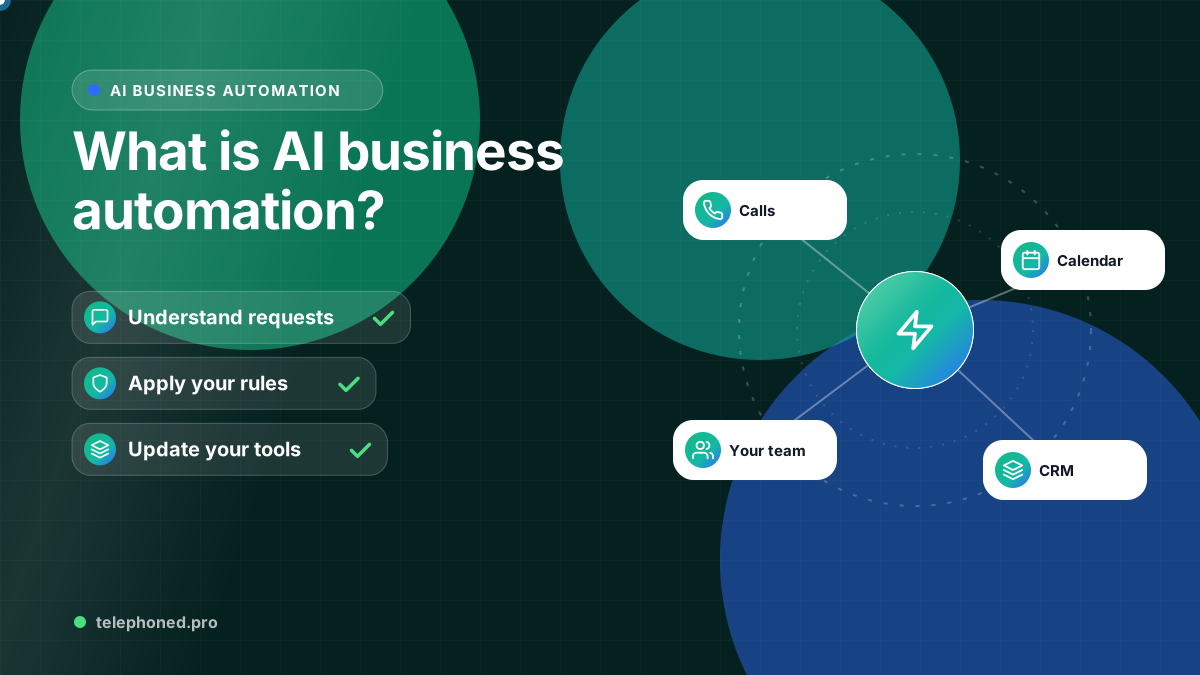
What Is AI Business Automation? Examples and First Steps
Understand AI business automation, how it differs from fixed rules, and where to start across lead intake, CRM, scheduling, follow-up and operations.
Read the guide →Law Firms
Organize approved intake details, follow-up and consultation preparation while lawyers retain conflict review, client acceptance and legal judgment.
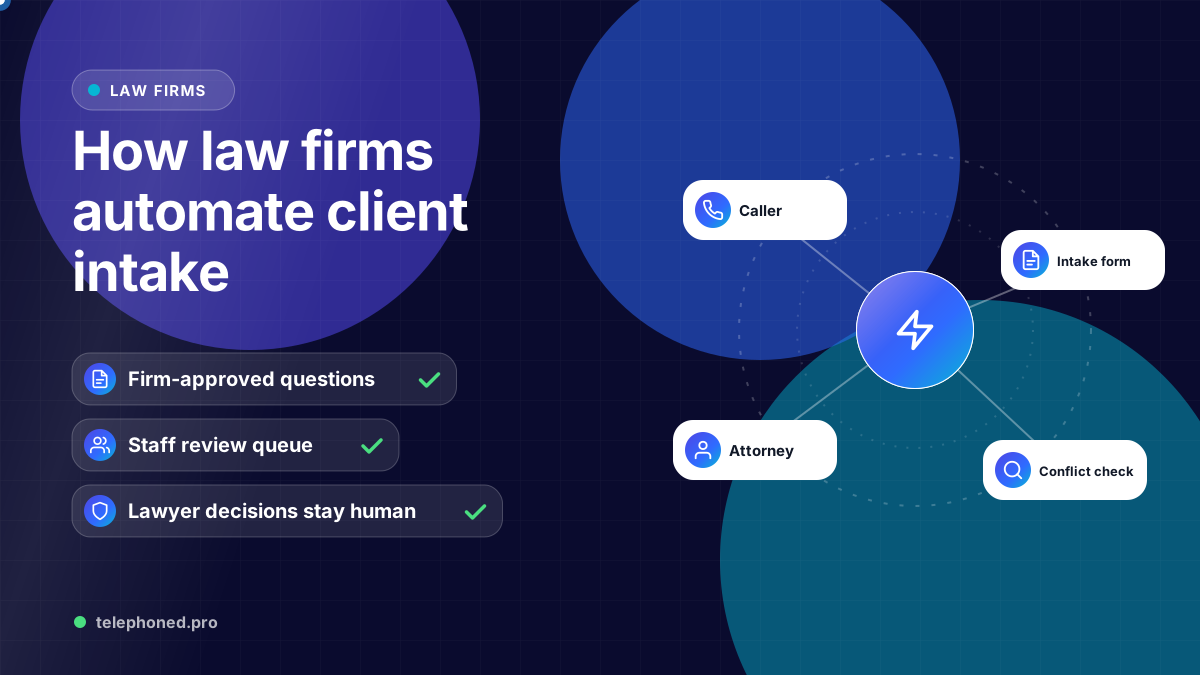
For the wider workflow, explore AI Automation for Law Firms. For a related operating question, read AI Receptionist for Law Firms: 24/7 Legal Intake.
Prepared by the Telephoned.pro team with AI assistance and editorial review. Workflow examples are illustrative. Integration support, rollout timing and measured outcomes depend on the approved implementation.
Law firm intake automation can organize initial inquiries, assigned follow-up and approved consultation preparation. It should not be presented as an autonomous decision to accept a client, clear a conflict or give legal advice. A useful workflow gives the firm's responsible staff a current record and keeps those decisions with the people authorized to make them.
The firm should define which initial questions are appropriate, who may see the answers and when an inquiry needs human review. The ABA Model Rules address duties concerning information received from prospective clients, and the commentary to Rule 1.7 assigns conflict-resolution responsibilities to the lawyer. These sources support retaining professional oversight; the firm must apply the rules and procedures relevant to its own jurisdiction.
Use limited, firm-approved questions for the initial inquiry. Avoid requesting a detailed matter narrative or extensive documents simply because an automated form can collect them. The approved scope, access controls and next step should be decided before the workflow launches. The references at the end provide the source context; this article describes an operating workflow rather than legal advice.
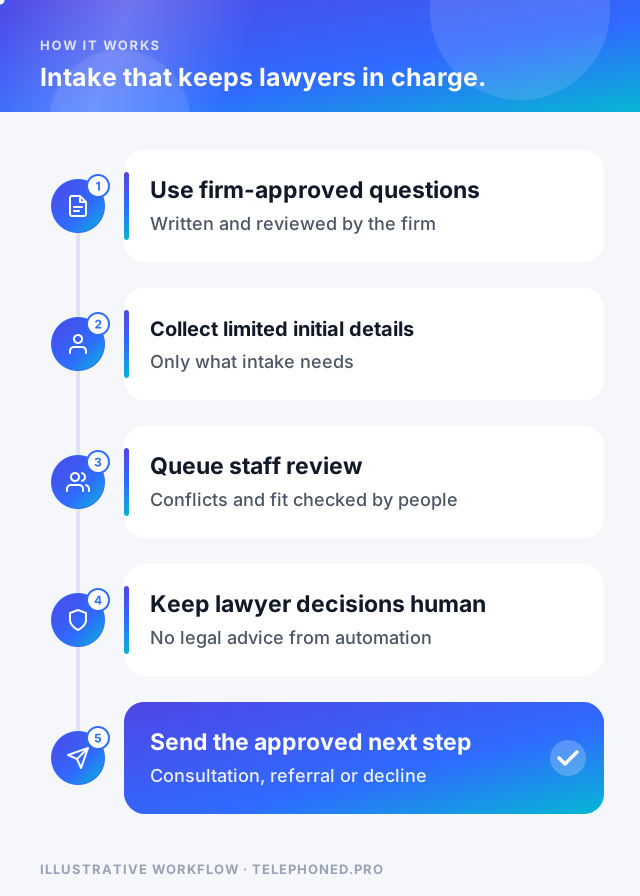
Automation may create a record, prepare a task or organize approved information where the necessary integrations are supported. It should not mark an inquiry accepted because a questionnaire is complete. An attempted transfer also should not count as ownership until the receiving staff member or queue accepts responsibility.
A consultation invitation, questionnaire or document request should follow the firm's review and communication rules. Do not imply that an appointment creates a representation relationship or that the system has decided the merits of a matter. Confirm the calendar write before announcing a booking, and route an unavailable or failed integration back to staff.
Bring one real scenario to your demo. We will review the intended next step, existing systems and human handoffs.
Secure your spotIf the firm uses follow-up, connect it to the inquiry's current status. Staff takeover, a declined inquiry, an already scheduled consultation or a request to stop should alter the sequence. Use approved channels and wording; sensitive matter information should not appear in a routine notification merely for convenience.
For a pilot, count inquiries routed correctly, review tasks accepted, duplicate records resolved and approved follow-up completed. Review a sample with the intake team. Staff time saved, better consultation preparation or more retained clients need evidence from the firm's own records; they are not universal results established by this article.
| Intake step | Collect | Avoid |
|---|---|---|
| Contact | Name, phone, email, preferred contact time | Anything beyond what the firm needs to respond |
| Matter type | Practice area and a short description | A detailed account of the facts before review |
| Conflict check | Names of other parties, as the firm requires | Confidential details before conflicts are cleared |
| Urgency | Deadlines, court dates or arrest situations | Advice on what the caller should do |
| Next step | Consultation request or attorney callback | Promises about representation or outcomes |
The boundary matters for professional reasons. Under ABA Model Rule 1.18, a person who consults a lawyer about possibly forming a client relationship is a prospective client, and information they share can carry confidentiality duties and create conflicts even if the firm never takes the matter. The rule's commentary advises limiting initial consultations to what is reasonably necessary. Intake automation should follow the same principle: collect enough to route and check conflicts, and leave the substance for attorney review. State rules vary, so confirm the approach with your firm's ethics counsel.
Define in advance which situations are urgent for your practice, such as an arrest, a filing deadline or a protective order, and who is on call to receive them. The intake workflow should capture the essential details, tell the caller honestly when they will hear back, and escalate to the on-call attorney with the information already organized. It should never give legal advice or imply that the firm has accepted the matter.
Keep reading
Bring one real workflow. We will show you how calls, follow-up and scheduling could connect for your business.
Keep exploring
The services and decisions that connect to this page.