How to Pair an AI Receptionist with Your Front Desk
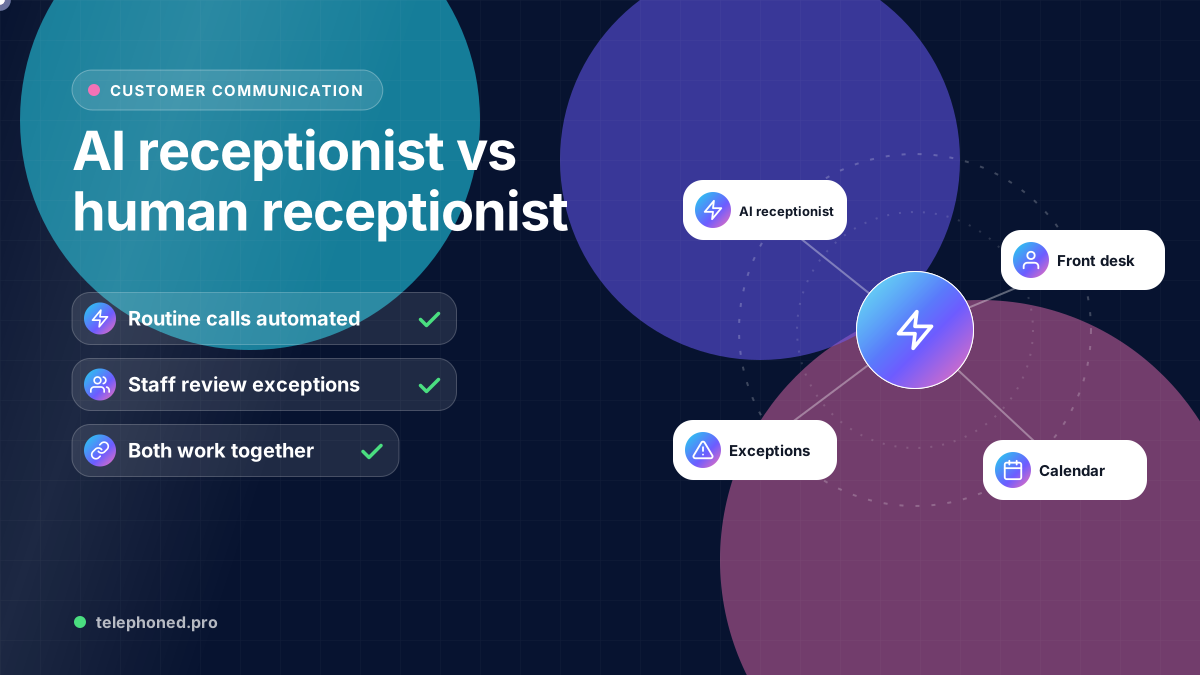
Plan a hybrid front desk: define AI tasks, staff responsibilities, handoff acceptance and fallback rules across call intake, scheduling and customer follow-up.
Read the guide →AI Business Automation
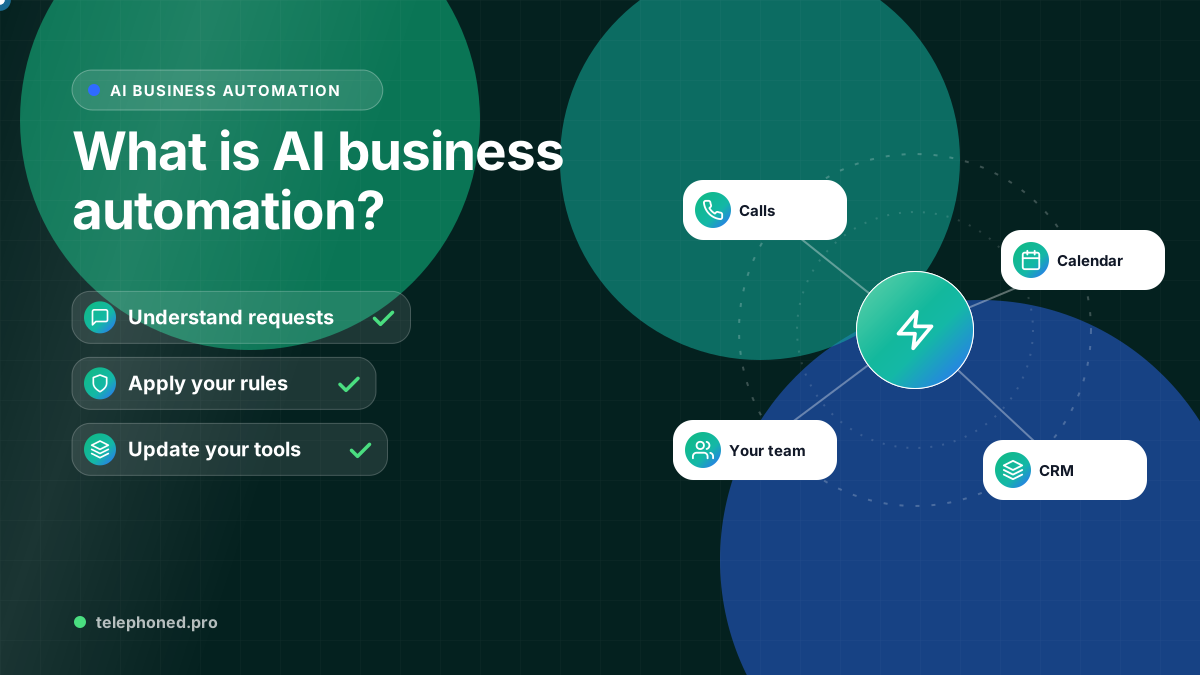
Understand AI business automation, how it differs from fixed rules, and where to start across lead intake, CRM, scheduling, follow-up and operations.
For the wider workflow, explore AI Receptionist & Automation Guides. For a related operating question, read Enterprise AI Workflow Automation.
Prepared by the Telephoned.pro team with AI assistance and editorial review. Examples illustrate workflow design; they are not customer results. Integration availability and scope are confirmed during discovery.
AI business automation combines language understanding with defined business rules and connected software to move work from an incoming request to a completed outcome. An AI receptionist is one possible starting point. The wider system can include lead qualification, CRM updates, scheduling, follow-up, invoice handoffs and internal tasks.
The useful question is which process should move reliably without someone copying information at every step. That question applies to an owner-led company, a regional operator and an enterprise team. Company size changes routing, access and accountability; it does not change the need for a clear process.
A fixed rule can send a reminder at a specified time or assign a lead by ZIP code. AI can help classify a free-text inquiry, summarize a conversation or identify which approved answer fits a question. Use fixed rules for boundaries such as service areas, allowed actions, required fields and escalation. Use AI where the input varies and its output can be checked.
For example, a prospect may describe a repair in several ways. AI can help identify the request, while explicit rules decide whether that service and address are eligible. If the information is incomplete or conflicting, the workflow should ask for clarification or create a task for a person rather than invent an answer.
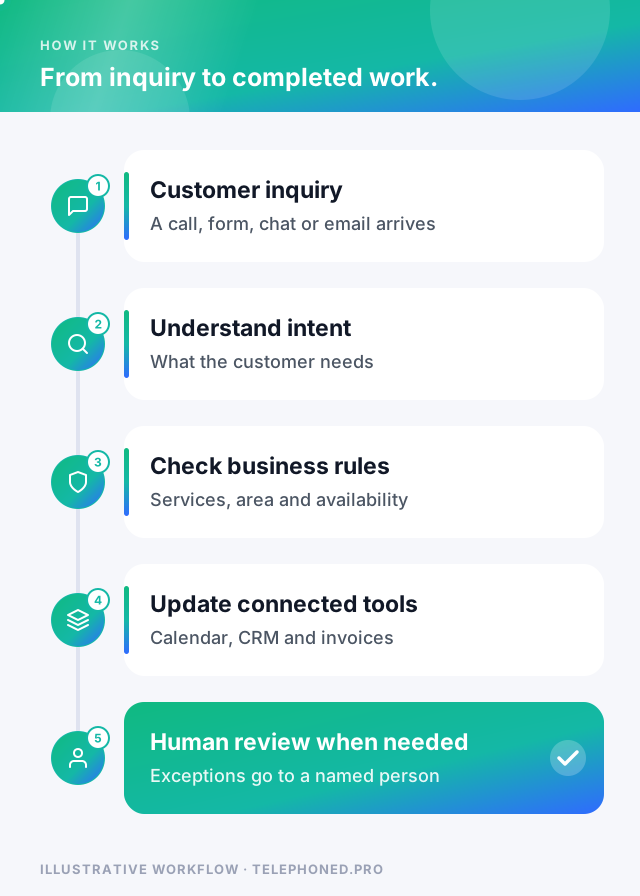
Consider an illustrative US company with several service teams. A website inquiry enters an intake workflow. The request is classified, required details are collected, the appropriate team is selected and a record is created or updated in the CRM. A qualified inquiry can then move to an available appointment or a staff task. Confirmation and follow-up use the recorded status, so the next action reflects what has actually happened.
After a job is completed, a separately scoped workflow can hand approved information to billing, check payment state or create a review request. These later steps need their own triggers, permissions and stop conditions. Connecting them does not mean every action should be autonomous.
Bring one real scenario to your demo. We will review the intended next step, existing systems and human handoffs.
Secure your spotLarger organizations need location and department routing, access boundaries, consistent field definitions and clear ownership when more than one team touches a record. Test whether a central rule can be shared or whether each branch needs different hours, calendars and escalation contacts. Include staff who handle exceptions in discovery, rather than planning only around the ideal customer journey.
Ask the provider to demonstrate one complete process using realistic examples: the normal path, missing data, an unavailable calendar, a duplicate inquiry and a failed integration. Confirm which tools can be connected before making promises to staff or customers. Agree who maintains business knowledge and who approves changes after launch.
Measure the outcome against a baseline: completed handoffs, time to first response, duplicate records, staff time per case and qualified bookings. A busy workflow is not necessarily a useful one. Review whether it closes the specific gap you selected and whether its errors can be found and resolved.
| Business task | What automation can do | What stays with people |
|---|---|---|
| Answering inquiries | Answer approved questions and capture details 24/7 | Unusual requests and judgment calls |
| Qualifying leads | Apply your criteria and route to the right owner | Pricing exceptions and negotiation |
| Scheduling | Offer real availability and book into the calendar | Schedule conflicts that need a decision |
| Follow-up | Send timely reminders and stop when the customer replies | Conversations that need empathy or expertise |
| Billing handoffs | Pass approved job details to invoicing and track status | Disputes, refunds and write-offs |
The pattern is consistent: automation takes the predictable, repeated parts of a process, and people keep the decisions that need context, authority or care. That division is also what makes a rollout safe, because every case the system cannot handle confidently has a clear place to go.
AI can misread a request, summarize a conversation incorrectly or state something with more confidence than the facts support. The US National Institute of Standards and Technology (NIST) treats these as risks to manage through governance, measurement and human oversight rather than reasons to avoid AI altogether. In practice that means three habits: limit what the AI may say and do to approved information and actions, check its output against the record of truth before anything is promised to a customer, and review a sample of real conversations regularly.
“Automate the predictable steps first. Keep the decisions that need judgment with the people who are accountable for them.”
AI business automation combines artificial intelligence, software integrations and workflows to automate repetitive business processes across customer communication, sales, scheduling, payments and operations.
Businesses can automate inquiries, lead capture, qualification, follow up, appointment scheduling, CRM updates, invoicing, payments, reminders and routine administrative workflows.
No. Customer communication is one part of AI business automation. A connected system can also automate sales, scheduling, payments, administration and internal operations.
Start by mapping repetitive, frequent processes with clear steps and measurable value. Then automate the handoffs and tasks where employees spend time copying information or chasing follow ups.
Keep reading
Bring one real workflow. We will show you how calls, follow-up and scheduling could connect for your business.