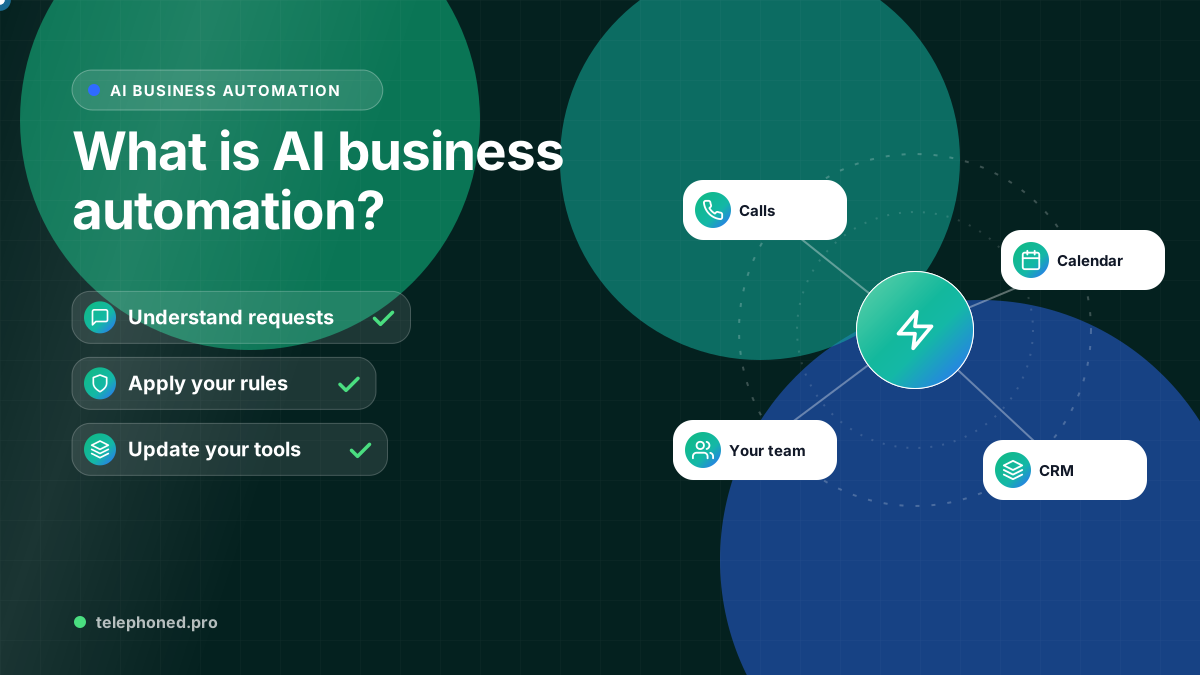
What Is AI Business Automation? Examples and First Steps
Understand AI business automation, how it differs from fixed rules, and where to start across lead intake, CRM, scheduling, follow-up and operations.
Read the guide →AI Operations Automation
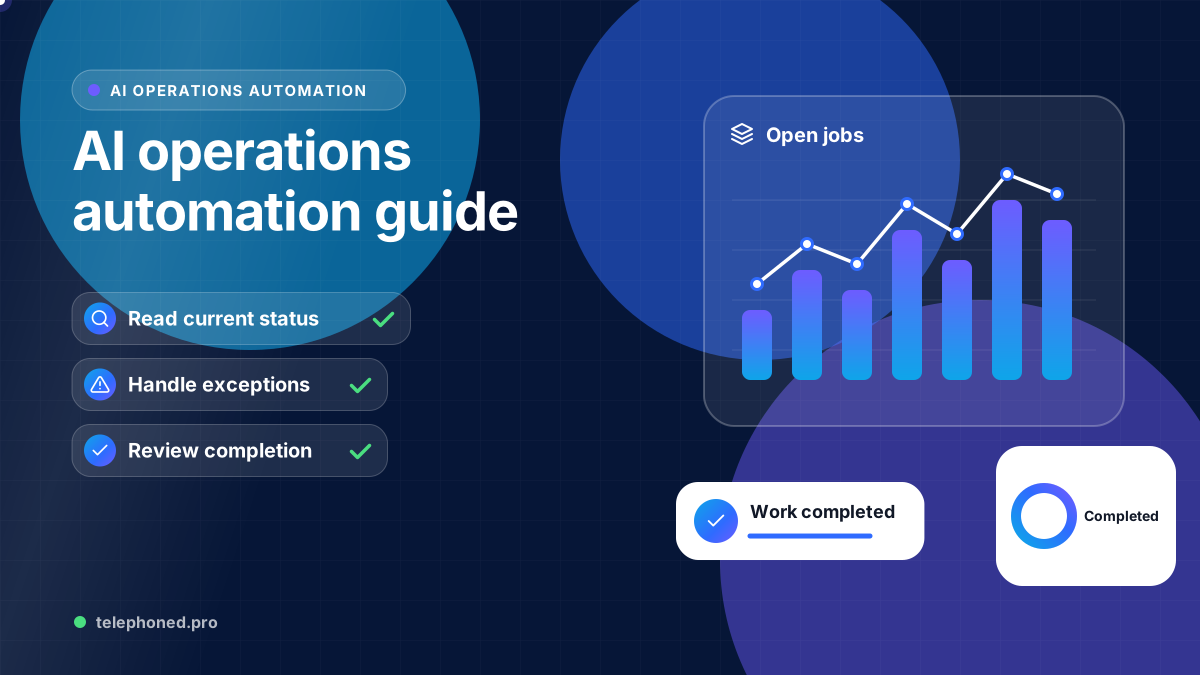
Design AI operations automation with a source of truth, named owners, exception queues and useful reporting across internal tasks, scheduling and billing handoffs.
For the wider workflow, explore Business Process Automation Services. For a related operating question, read AI Workflow Automation: How to Choose Your First Workflow.
Prepared by the Telephoned.pro team with AI assistance and editorial review. Examples illustrate workflow design; they are not customer results. Integration availability and scope are confirmed during discovery.
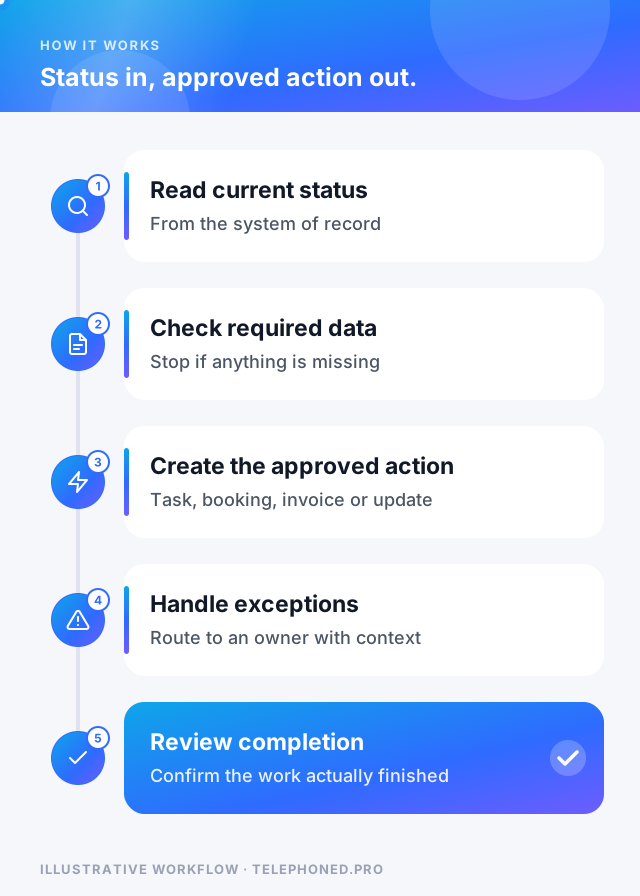
AI operations automation connects repetitive internal work such as record updates, task assignment, scheduling handoffs, invoice preparation and routine reporting. A reliable design makes the current status visible, assigns responsibility and gives exceptions a clear path back to a person.
This guide covers how to run and monitor internal workflows. Choosing the first workflow is a separate step. Once a process is selected, the operations team needs to know which system is authoritative, what completion means and how to recover a failed or uncertain action.
A CRM may own the customer record while a calendar owns availability and a billing tool owns invoice state. Define which system determines each action. A copied spreadsheet or old message should not override a current booking or payment status. Decide how the workflow reacts when sources disagree or information is unavailable.
AI can help summarize notes or classify a request. It should not invent missing account details, declare an invoice paid without a verified status or choose an approval owner from a guess. Use explicit rules for access, required fields, financial approvals and escalation.
In an illustrative US company, a completed job becomes eligible for billing only after required details and an approval are present. The workflow prepares a handoff to the billing system. If a purchase-order reference is missing, it creates an exception for the responsible team instead of generating an incomplete invoice.
If the billing tool is unavailable, the workflow retains the request and exposes the failed step. A later retry should check whether the handoff already succeeded so it does not create a duplicate. Reminders are a later workflow that checks the current invoice status; preparation, approval and collection should remain distinguishable in the record.
Bring one real scenario to your demo. We will review the intended next step, existing systems and human handoffs.
Secure your spotMulti-location and enterprise organizations may share one process but use different owners, calendars and approval limits. Decide which rules are central and which are local. Test a case that crosses departments or changes location, and make sure responsibility is transferred explicitly. A shared dashboard should show unresolved work as well as completed actions.
Track eligible tasks, confirmed completions, exceptions, time in queue, retries and duplicate actions. Measure staff time spent reviewing exceptions as part of the cost of operating the workflow. Separate successful automation from a task that was merely attempted or accepted by an intermediate system.
For a baseline, sample comparable cases before rollout and record handling time and delays. After launch, review the same outcomes over a stated period. If workload, staffing or task complexity changes, note that alongside the numbers. An apparent time saving is not a verified customer result until the business has measured it.
Assign responsibility for changes to forms, fields, business hours, staff roles and integrations. Test a proposed change against normal and exception paths before enabling it. Keep a way to pause the workflow and return work to staff. Review unresolved exceptions regularly so automation does not turn visible manual work into an invisible backlog.
Bring a sample internal task and its tools to discovery. Telephoned.pro can discuss the trigger, approvals, integration requirements and recovery path, then scope a workflow around the people who operate it.
| Quality | What it means in practice |
|---|---|
| Single source of truth | Each status (booking, invoice, task) is read from the one system that owns it |
| Visible exceptions | Failed or uncertain runs land in a queue with an owner, not a log nobody reads |
| Safe retries | Only steps that cannot double up are retried automatically |
| Clear ownership | A named person maintains rules, fields and integrations |
| Measured outcomes | Completed work is tracked, not just the number of actions run |
These five qualities matter more than the specific tools. A simple workflow that meets all five is worth more to an operations team than an elaborate one that fails silently.
Each of these is frequent, rule-based and easy to verify, which is exactly the profile of a workflow that can run reliably with occasional human review.
Keep reading
Bring one real workflow. We will show you how calls, follow-up and scheduling could connect for your business.