AI Receptionist Calendar Failure: How to Avoid False Bookings
Use a safe fallback workflow when an AI receptionist cannot write an appointment to the calendar, so callers do not receive confirmations for bookings that do not exist.
Read the guide →AI Receptionist
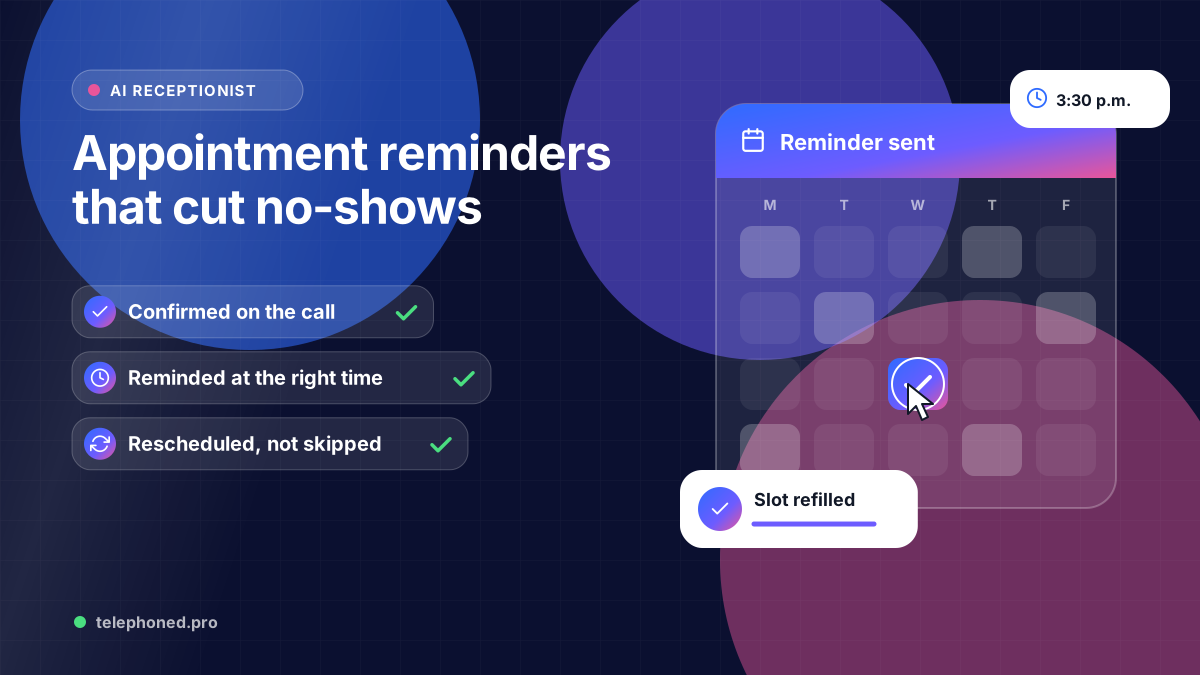
How an AI receptionist confirms bookings and sends reminders that cut no-shows: the timing, the wording, easy rescheduling, and what the research says works.
For the wider workflow, explore Business Process Automation Services. For a related operating question, read AI Receptionist Calendar Failures: Avoid False Bookings.
AI-assisted editorial guide from Telephoned.pro, a provider of AI receptionist services. No-show figures come from a 2018 systematic review in Health Policy (Dantas et al.) and reminder figures from a 2013 Cochrane review (Gurol-Urganci et al.); both studied healthcare appointments, and results in other industries may differ. Scenarios are illustrative, not customer results.
An AI receptionist cuts no-shows in three steps: it confirms every booking on the call, sends text reminders at set times before the appointment, and makes rescheduling as easy as replying to a text or calling back, so people move an appointment instead of skipping it. When someone cancels, the freed slot goes back on the calendar for the next caller.
Reminders sound simple, but timing, wording and what happens when someone replies decide whether they work. This guide covers the confirmation on the call, a reminder schedule you can start with, what each message should say, and how to handle cancellations. For what to do after someone has already missed an appointment, see our no-show follow-up workflow.
These figures come from healthcare, where no-shows are studied most, but the pattern is familiar to any business that books time: dentists, salons, contractors and consultants. The Cochrane review also found text reminders worked about as well as phone-call reminders, which matters because nobody on your team has to make those calls.
Read it back and wait for a yes. A caller who hears “Tuesday the 18th at 2 p.m. at our Elm Street office” and says “yes, that works” is far less likely to forget than one who heard “you’re all set.” The text confirmation that follows gives them the same details in writing.
| When | Message | Why |
|---|---|---|
| Right after booking | Confirmation with date, time, address and a way to reschedule | Puts it in writing while it’s fresh |
| A day before | Reminder that asks the customer to reply to confirm or reschedule | Gives time to rebook the slot if they can’t make it |
| About two hours before | Short heads-up: “See you at 2 p.m.” | Catches people who simply forgot |
| For bookings far ahead | An extra reminder a week before | Long lead times are linked to more no-shows |
“A reminder that makes rescheduling easy saves more appointments than one that only says “don’t forget.””
Bring one real scenario to your demo. We will review the intended next step, existing systems and human handoffs.
Book a free demo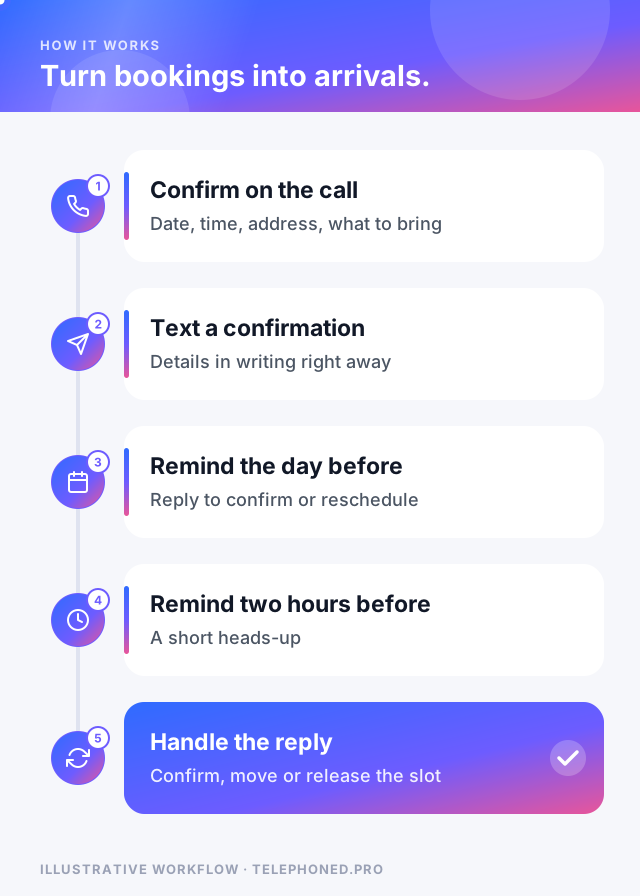
Every reply needs a clear next step. “Yes” or “C” marks the appointment confirmed. “Reschedule” or a question about times should get two specific new options, not a request to call the office. “Cancel” releases the slot and, if you like, offers the next available time. Anything the assistant can’t understand, such as a question about the work itself, goes to your team with the booking details attached, so nobody has to look it up before calling back.
Picture a family dental office in Denver. A parent books two cleanings for Thursday at 3:30 p.m. On Wednesday afternoon a reminder arrives, and the parent replies that soccer practice moved. The AI receptionist offers Friday at 9 a.m. or Monday at 4 p.m., moves both appointments, and the Thursday slots go back on the calendar. A caller that evening takes one of them.
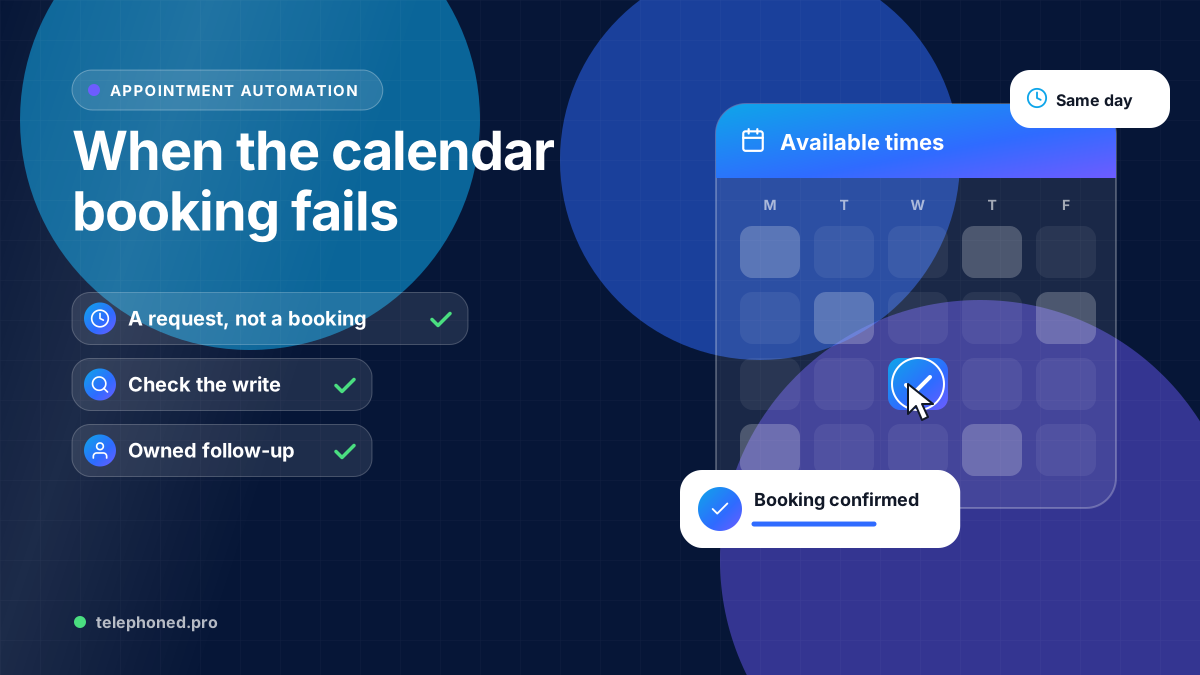
Reminders only work if they match the calendar, so the confirmation and every reminder should come from the same booking record. If a booking can’t be written to your calendar, the assistant should say so rather than promise a time, as our guide to calendar booking failures explains. To see what missed appointments and calls cost you today, try the missed call cost calculator.
Reminders reduce no-shows; they don’t eliminate them. Some people will still miss appointments for reasons no message can fix. Results depend on your customers, your lead times and how easy rescheduling is. Text reminders also need the customer’s consent and a mobile number, and sending them through your calendar depends on a supported connection. Measure your own no-show rate before and after, rather than relying on averages from other industries.
Keep reading
Bring one real workflow. We will show you how calls, follow-up and scheduling could connect for your business.
Keep exploring
The services and decisions that connect to this page.