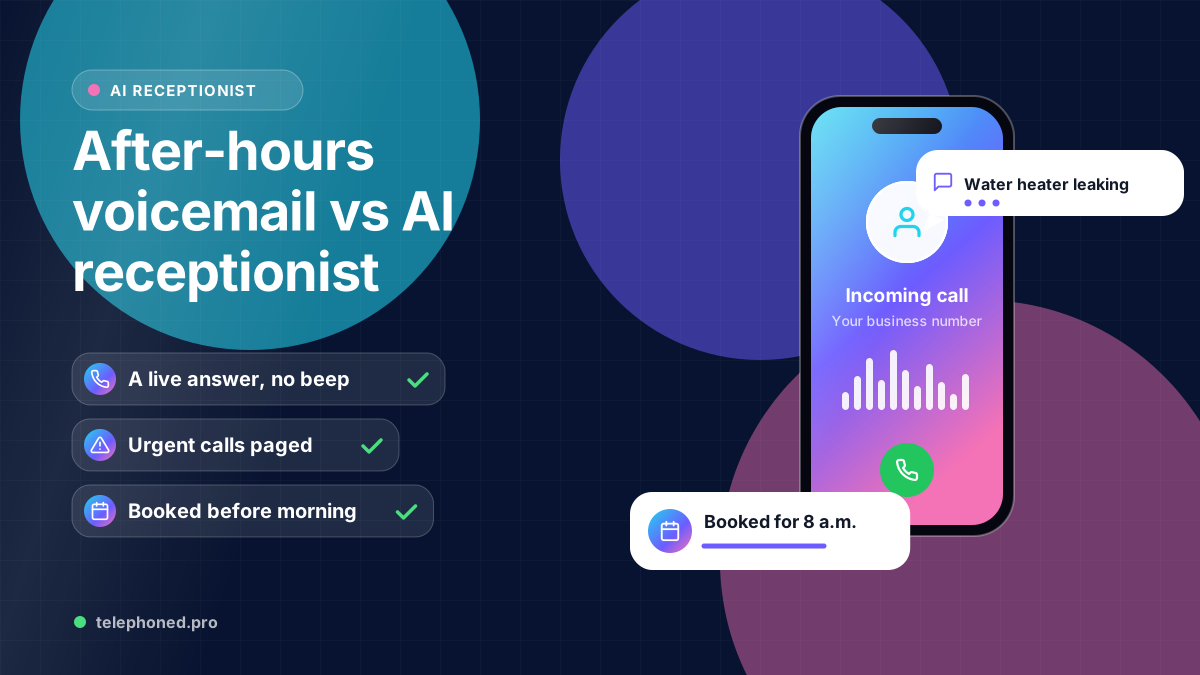
After-Hours Voicemail vs AI Receptionist: What Callers Get
Voicemail or an AI receptionist after hours? See what each caller actually experiences, why callbacks go unanswered, and which calls need a live answer.
Read the guide →AI Receptionist
A week-by-week plan for your first 30 days with an AI receptionist: what to set up, when to go live, which calls to review and how to know it works.
For the wider workflow, explore AI Receptionist for Business: 24/7 Answering & Booking. For a related operating question, read First-Week AI Receptionist Call Audit Checklist.
AI-assisted editorial guide from Telephoned.pro, a provider of AI receptionist services. Smartphone figures come from Pew Research Center and lead-response figures from a 2011 Harvard Business Review study, both cited below. The schedule is a suggested plan, and the HVAC scenario is illustrative, not a customer result.
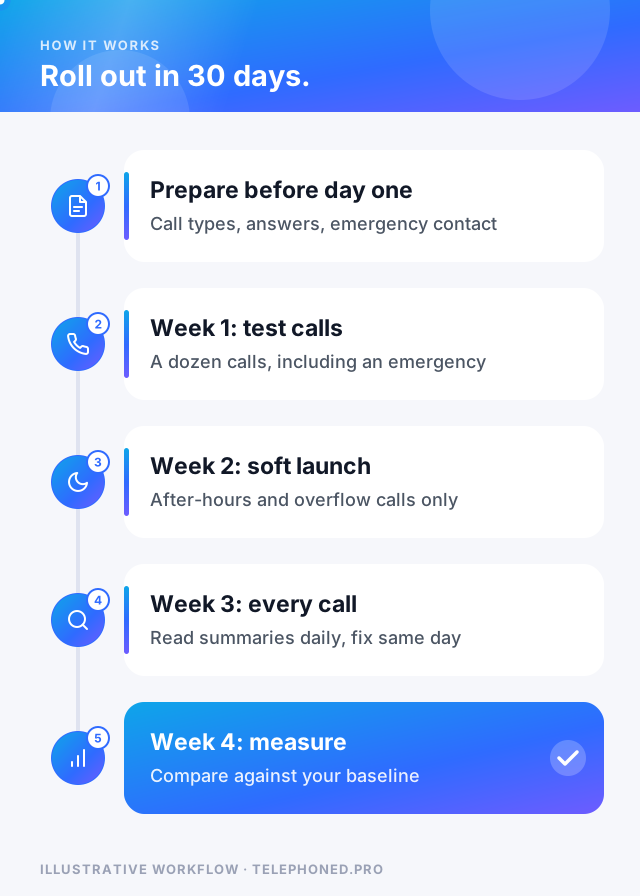
The first 30 days with an AI receptionist should run in four steps: one week to set up and test with fake calls, one week of soft launch on after-hours and overflow calls only, one week answering every call while you review recordings daily, and a final week to measure results and decide what to expand. Rushing straight to every call on day one is the most common reason a rollout feels shaky.
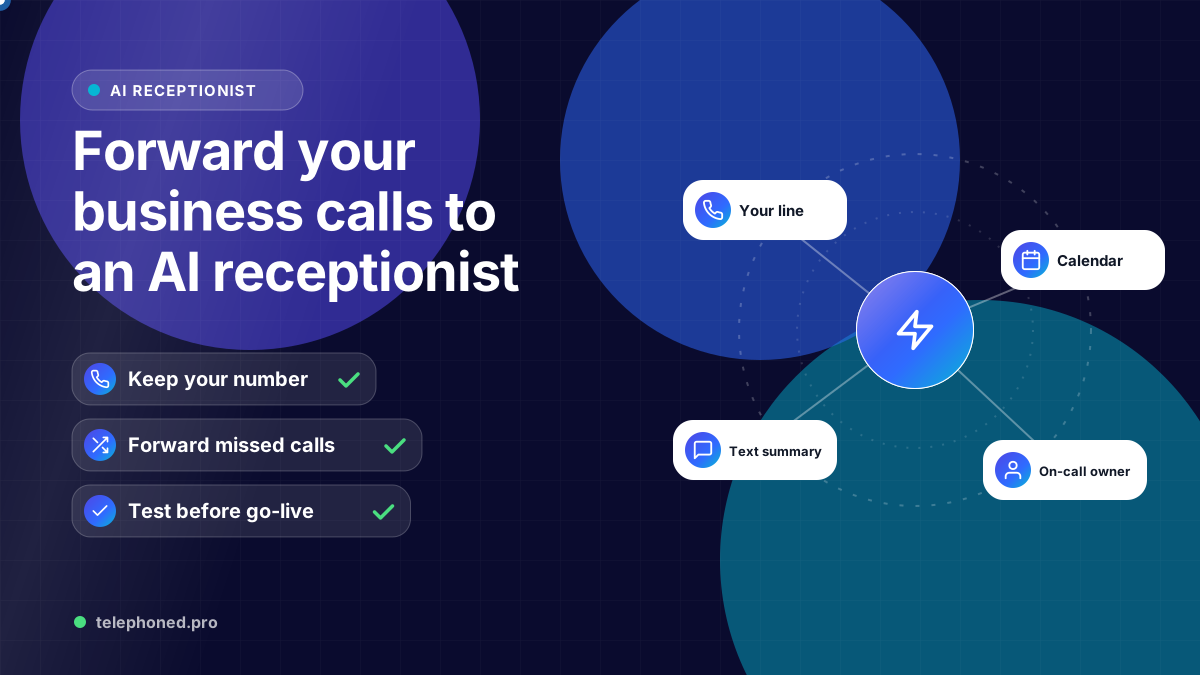
This plan assumes you keep your existing number and forward calls to the AI, which most small businesses do. If you have not set that up yet, start with our guide to forwarding business calls to an AI receptionist. The rest of this article tells you what to do each week, what to check, and when it is safe to move on.
Speed is the whole point of an AI receptionist: callers on a phone expect an answer now, and the HBR research shows how quickly interest fades. A careful rollout protects that advantage. A rushed one trades a missed call for a confused caller, which is worse.
| Week | Goal | Calls the AI answers | Move on when |
|---|---|---|---|
| Week 1: set up and test | Answers, booking rules and escalation work | Only your own test calls | A dozen test calls pass, including an emergency and a failed transfer |
| Week 2: soft launch | Real callers, low risk | After hours and overflow when staff are busy | Summaries are accurate and no caller was left stuck |
| Week 3: every call | Full coverage with close review | All calls, with staff still able to pick up | Fixes are getting smaller day by day |
| Week 4: measure and expand | Prove the result and plan next steps | All calls | You compare against your baseline and decide what to add |
In week one, call in as a confused customer, an angry one and one with an emergency. Ask about a service you do not offer. Try to book outside your hours. Our first-week call audit checklist gives you the exact calls to make and what a pass looks like.
Bring one real scenario to your demo. We will review the intended next step, existing systems and human handoffs.
Book a free demo“Go live on the calls you are already missing first. Nobody notices a better voicemail, but everyone notices a bad first impression.”
Here is an illustrative example. An HVAC company in Dallas starts in early October, before the first cold snap. In week one the owner makes 15 test calls and finds that the AI quotes a diagnostic fee the company dropped last year, so the answer is corrected. In week two the AI only takes calls after 6 p.m. and when both office lines are busy.
In week three every call goes to the AI first, and the office manager reads the summaries each morning. Two callers asked about financing, which nobody had planned for, so a short answer and a callback rule are added. By week four the first cold night arrives, and no-heat calls are paged to the on-call technician while routine tune-ups are booked for the following week.
Compare weeks three and four with the four weeks before launch. Look at missed calls, bookings from calls that used to go unanswered, after-hours emergencies handled and staff time on the phone. Our guide to measuring AI receptionist ROI walks through the formula with a worked example.
Thirty days is enough to prove the basics, not to see every situation. Seasonal spikes, holidays and rare emergencies may not happen in your first month, so keep reviewing a sample of calls each week after launch. If your scheduling rules are complex or depend on software that needs a connection, plan an extra week for testing, and confirm which actions are supported before you promise them to callers.
Keep reading
Bring one real workflow. We will show you how calls, follow-up and scheduling could connect for your business.
Keep exploring
The services and decisions that connect to this page.