Missed Call Follow-Up: An Ownership Guide for US Businesses
Build a missed call follow-up workflow for your US service business: assign one owner, set callback rules and track inquiries through to a booked appointment.
Read the guide →AI Customer Communication
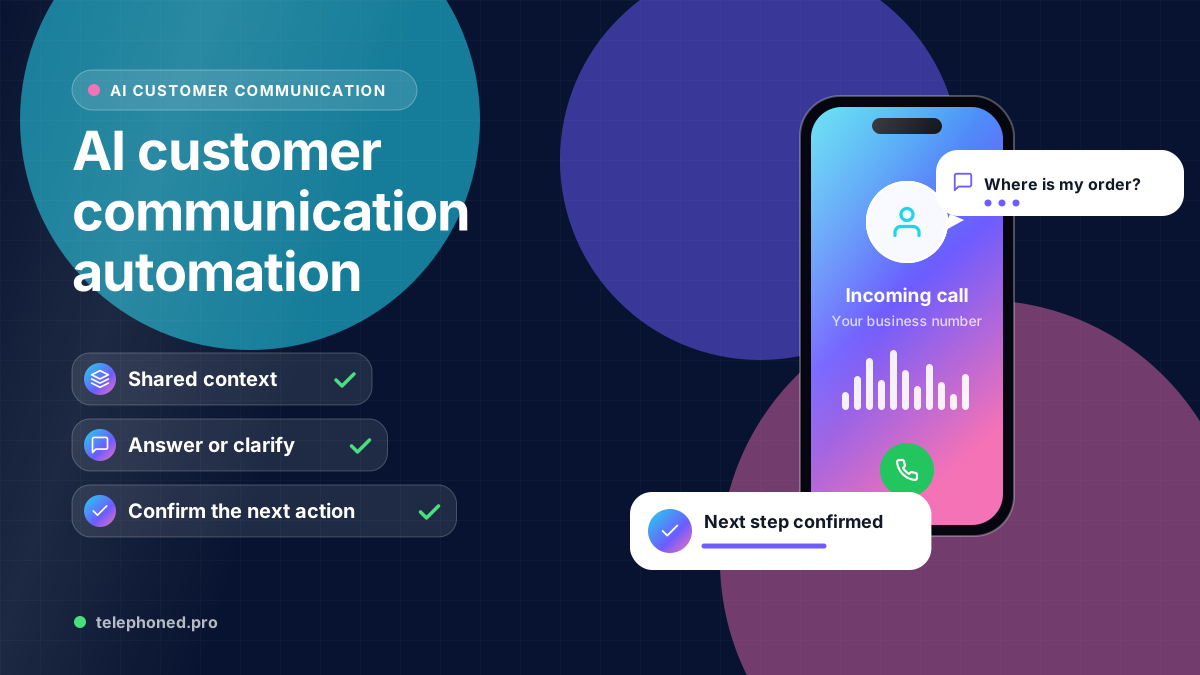
Connect phone, SMS, email and chat with shared context, clear ownership and human escalation. Plan customer communication automation around the next action.
For the wider workflow, explore AI Receptionist & Automation Guides. For a related operating question, read Customer Communication Automation.
Prepared by the Telephoned.pro team with AI assistance and editorial review. Examples illustrate workflow design; they are not customer results. Integration availability and scope are confirmed during discovery.
Customer communication automation connects routine phone, SMS, email and chat requests to an appropriate answer or next action. A useful system preserves context, checks approved business information and hands the conversation to a person when it cannot safely complete the request.
The main design problem is continuity. A customer may call after submitting a form, reply to an email about a booking or text a new detail. If each channel starts from zero, staff must reconstruct the conversation and the customer may receive conflicting messages.
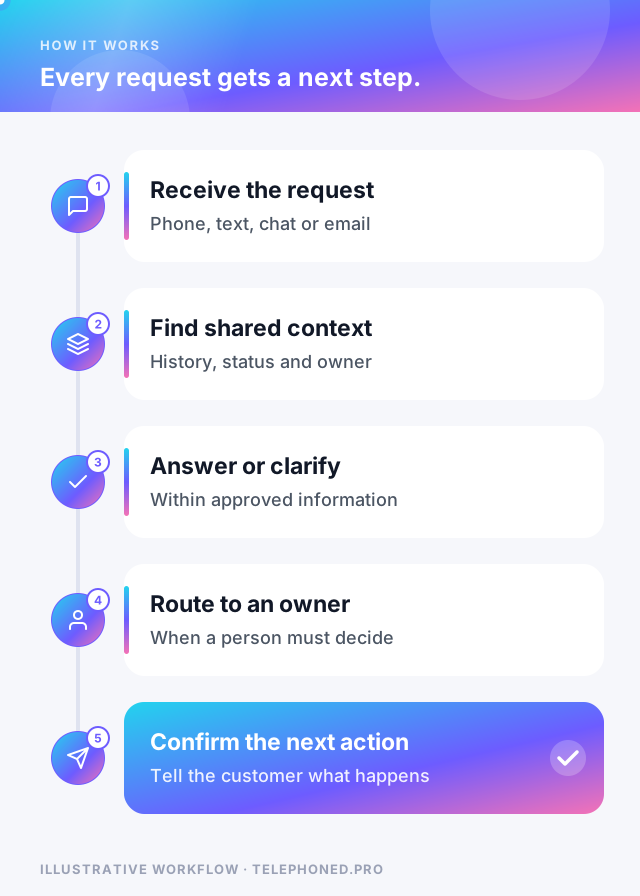
List frequent questions and actions that have reliable answers: opening hours, service areas, intake fields, appointment requests, confirmations and routine status updates. Identify the source for each answer and the owner who maintains it. Keep requests involving a dispute, unusual exception, sensitive decision or unverified information on a defined staff path.
A business does not have to automate all channels at once. Begin with one entry point and one completion, then connect the next channel when record matching and ownership are reliable. For multi-location US businesses, test hours, service areas and escalation contacts separately for each location.
In an illustrative US service company, a prospect submits a form for a consultation and then phones to change the preferred location. The workflow should find the relevant inquiry, confirm the change and route it to the correct team. If an appointment was already booked, it should check the booking state before sending another invitation.
If the customer cannot be matched confidently, the workflow asks for appropriate clarification or transfers the case to staff. If the new location has different eligibility rules, it checks them rather than assuming the previous answer still applies. The handoff includes the original request, the change and the reason for escalation.
Bring one real scenario to your demo. We will review the intended next step, existing systems and human handoffs.
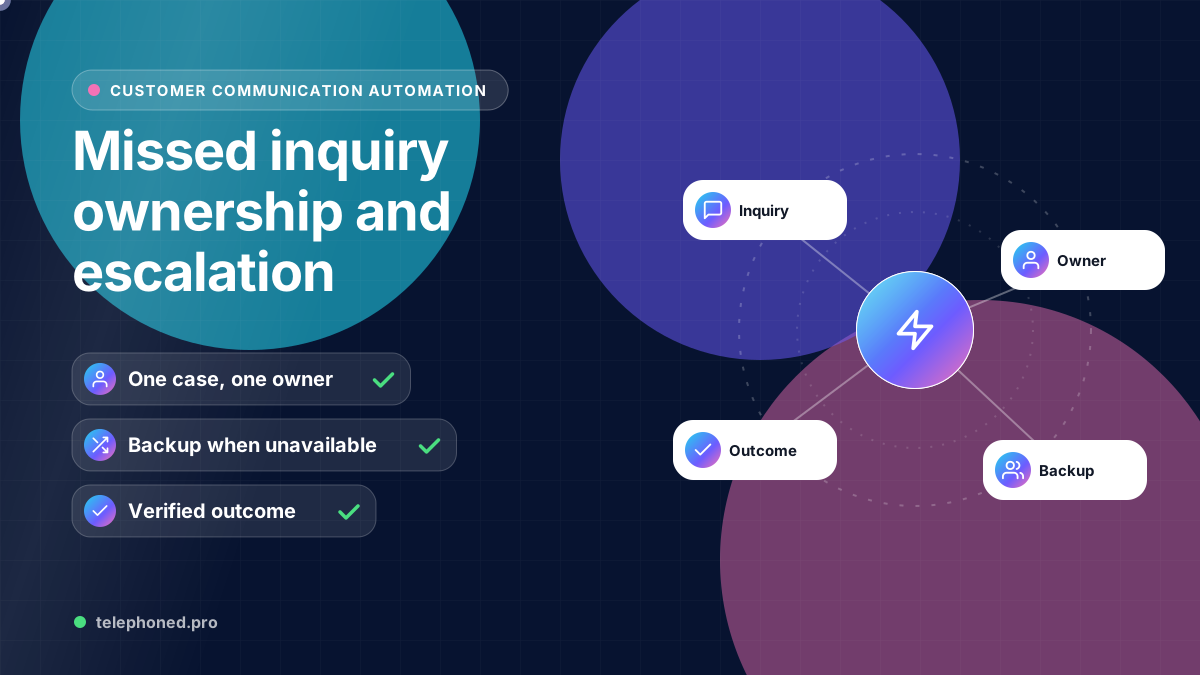
Secure your spotA handoff should tell the person what the customer wants, what has already been asked or promised, what information remains uncertain and what action is due. Define who receives it during opening hours and after hours. An attempted transfer is not the same as an accepted conversation; decide what happens when nobody answers or acknowledges the task.
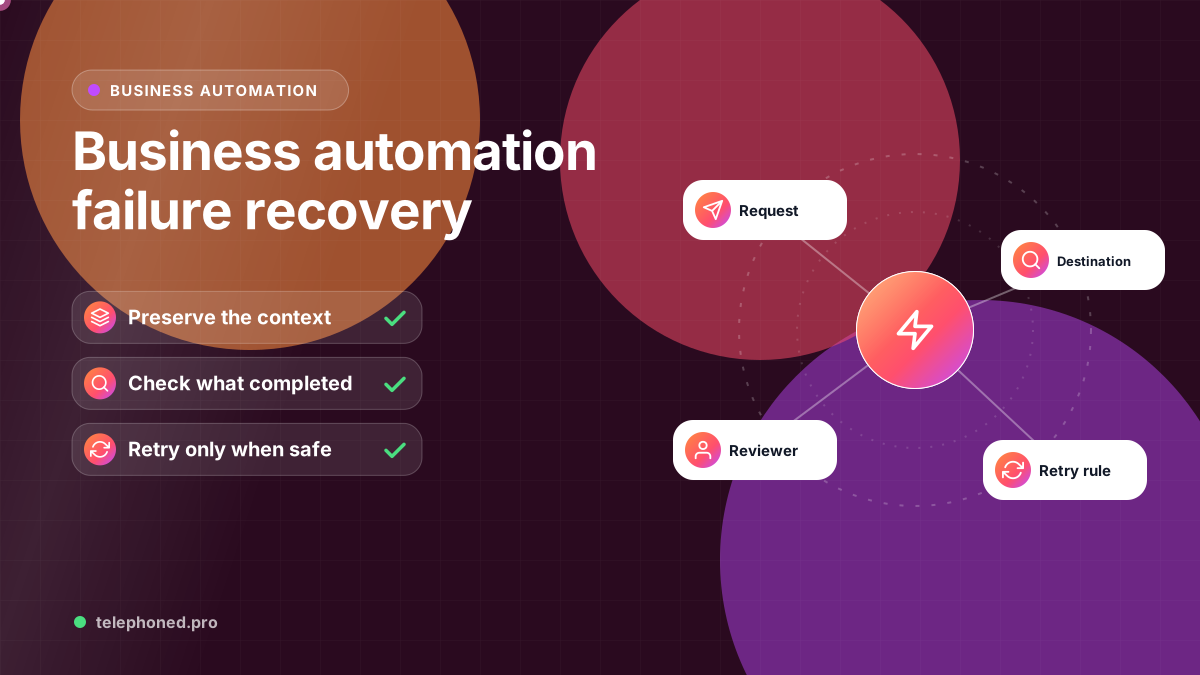
Before a confirmation or follow-up goes out, check the latest record. A cancellation, reply, staff intervention or changed preference may make the queued message inappropriate. Agree on message purposes, permitted channels and customer preferences during implementation. Do not let an automated answer imply that an action succeeded until the relevant system confirms it.
Test the same customer moving between channels, two people sharing similar details, an unsupported question, an unavailable tool and an unanswered transfer. Review whether the system preserves context and whether staff can recover an exception. Confirm the specific channel and integration support before choosing a rollout.
Measure requests completed, time to response, repeat questions, escalations accepted and customer corrections. Review samples of actual conversations alongside counts. Faster replies are useful only when they are accurate and move the customer to the right next step.
| Channel | Best for | Watch out for |
|---|---|---|
| Phone | Urgent or complex requests, callers who want an answer now | Callers who need a person; plan the handoff |
| SMS | Confirmations, reminders and quick replies | Consent, opt-outs and message timing |
| Documents, quotes and detailed follow-up | Slower replies and missed messages | |
| Web chat | Questions while someone is browsing | Visitors who leave before getting an answer |
| Web forms | Structured requests with required fields | Forms submitted twice or left incomplete |
Most customers move between channels: they fill in a form, then call, then reply to a text. The value of communication automation is not any single channel but the shared record that lets each new message pick up where the last one left off, so nobody has to repeat themselves.
Treat an opt-out as a customer-level fact, not a channel setting. Under FCC rules adopted in 2024, a consumer can revoke consent through any reasonable means, and the industry's messaging guidelines expect STOP, END, CANCEL, UNSUBSCRIBE and QUIT to be honored. Store the opt-out on the shared record, stop queued messages on every automated channel, and send at most one confirmation that the request was received.
“Continuity is the product. A customer should never have to repeat what they already told you in another channel.”
In practice, the test of good communication automation is simple: pick any customer and ask whether a new member of staff could see, in one place, what they asked for, what they were told and what happens next. If the answer is yes across every channel, the system is doing its job.
Keep reading
Bring one real workflow. We will show you how calls, follow-up and scheduling could connect for your business.