First-Week AI Receptionist Call Audit Checklist
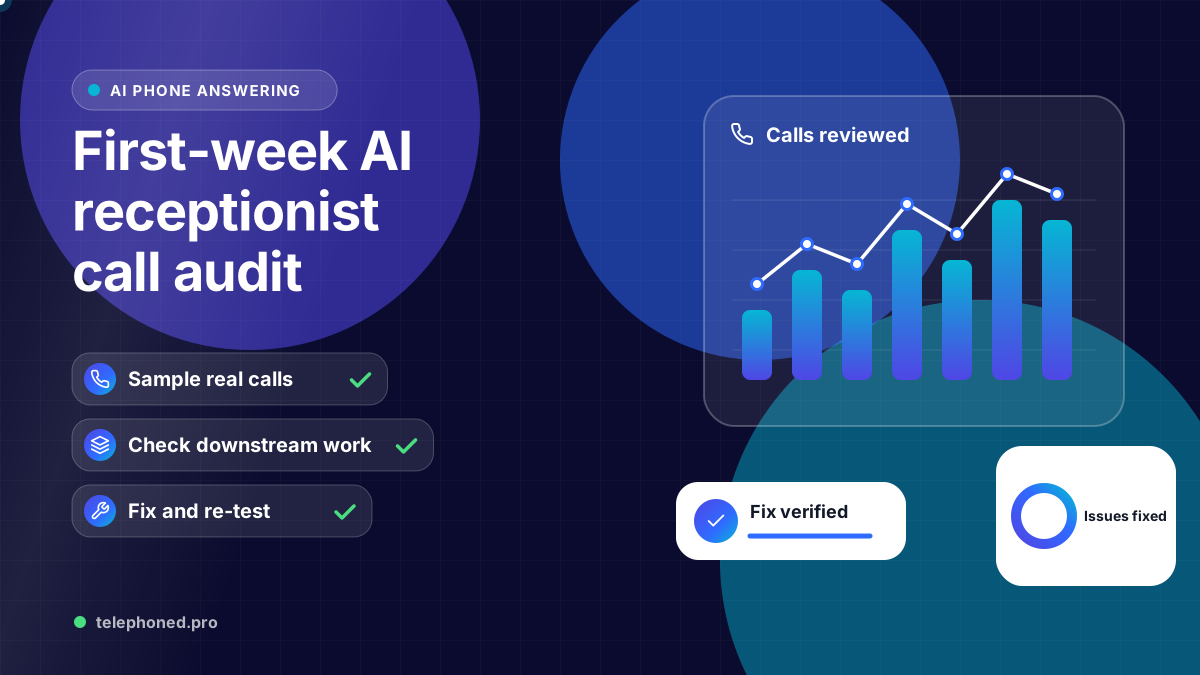
Audit the first week of AI receptionist calls with a practical sample, clear severity levels and an issue-to-fix workflow before expanding call coverage.
Read the guide →AI Receptionist
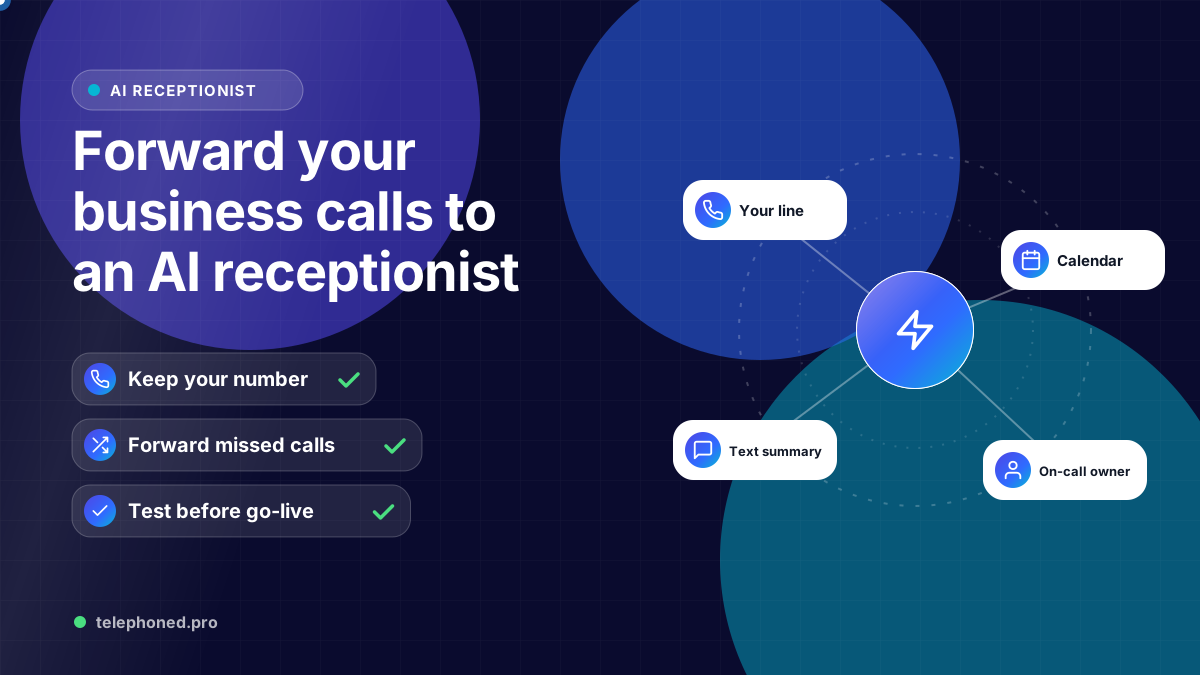
Keep your number and forward calls to an AI receptionist: carrier codes for Verizon and AT&T, iPhone and Android settings, and the test calls to make first.
For the wider workflow, explore AI Receptionist for Business: 24/7 Answering & Booking. For a related operating question, read AI Receptionist Transfers: What Happens When Nobody Answers?.
AI-assisted editorial guide from Telephoned.pro, a provider of AI receptionist services. Carrier codes and settings come from Verizon, AT&T, Google Voice Help and Apple support pages cited below; carriers change these, so confirm with your provider before relying on them. Call examples are illustrative.
You forward business calls to an AI receptionist the same way you would forward them to a cell phone: you keep your existing number and tell your carrier to send calls to the AI receptionist's number, either every call or only the ones you miss. On most US mobile lines that takes one star code or one switch in your phone's settings, and you can turn it off just as quickly.
The part that needs thought is not the code. It is choosing which calls to forward, making sure the AI can reach a person when it should, and testing before a real customer calls. This guide covers all three, with the codes Verizon and AT&T publish and the settings on iPhone and Android.
Those numbers frame the choice. Forwarding is instant and reversible, which is why most businesses start there. Porting your number to a new provider is also possible and usually quick, but it moves your whole line, so it is a bigger decision than you need to make on day one.
Carriers offer two families of forwarding. Unconditional forwarding sends every call straight to the new number, so your own phone does not ring. Conditional forwarding only moves a call when you are busy, do not answer, or your phone is off or out of signal. Here is how they map to common setups.
| Setup | Forwarding type | Good for |
|---|---|---|
| Overflow and missed calls | Conditional: no answer and busy | Teams that answer most calls but miss some during jobs or lunch |
| After hours only | Unconditional, turned on at closing | Offices with set hours that want every evening call answered |
| Phone off or no signal | Conditional: unreachable | Owners on job sites, in basements or on flights |
| AI answers first | Unconditional, all day | Busy front desks where the AI books and hands off to staff |
Most small businesses start with no-answer and busy forwarding. Your team still picks up when they can, and the AI catches what would have gone to voicemail. Once you trust the summaries and bookings, you can move after-hours or all calls across.
Use the 10-digit number your AI receptionist provider gives you. Dial each code from the business phone itself, wait for the confirmation tone or message, then hang up. These are the codes the carriers and Google Voice Help publish for US mobile lines.
| Carrier and line | Forward unanswered or busy calls | Forward every call | Turn off |
|---|---|---|---|
| Verizon wireless | *71 + 10-digit number | *72 + 10-digit number | *73 |
| AT&T wireless | *61*number# (no answer), *67*number# (busy), *62*number# (unreachable) | Phone settings: Call forwarding, Always | ##61# for no answer; similar ## codes for the others |
| AT&T home phone | Ask AT&T for Busy/Don't Answer forwarding | *72 + number | *73 |
| T-Mobile and others | Phone settings or carrier support | Phone settings: Call forwarding | Phone settings or carrier support |
Verizon says conditional forwarding moves a call after it rings for about three to six times, and that forwarding to international numbers is not available. AT&T notes that while forwarding is on for a home line you may hear a short ring but cannot answer on that line. If a code is rejected, your plan may need the feature turned on, so call the carrier's business support line.
Bring one real scenario to your demo. We will review the intended next step, existing systems and human handoffs.
Secure your spot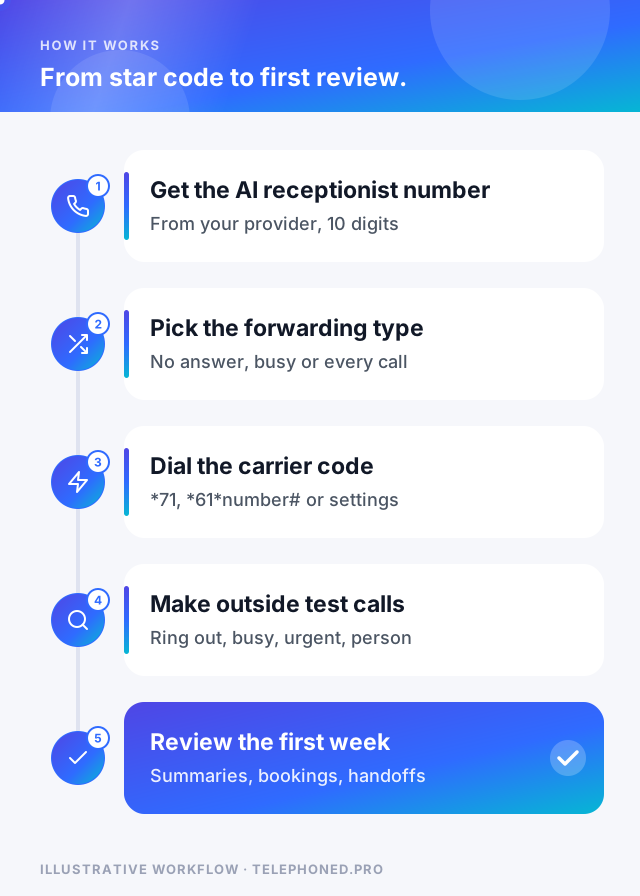
Picture an electrician in Dallas on a ladder at 2:15 p.m. A homeowner calls about a breaker that keeps tripping. The phone rings five times, then the carrier forwards the call. The AI receptionist answers with your business name, asks what is happening and where, checks your service area and booking rules, and offers the first open slot. You get a text summary before you are off the ladder.
Two details make that work. The caller ID usually shows the original caller, so the AI can text a confirmation to the right number. And the AI needs a route back to you: a transfer number or an on-call contact for urgent calls such as a burning smell from the panel.
“Forwarding is the easy part. What makes it work is deciding which calls move, who the AI hands off to, and testing before your customers do.”
Porting moves the number itself to a new provider. The FCC says you can usually keep your number when you switch providers in the same area, that simple ports should complete within one business day, and that you should not cancel your old service before the port finishes.
Watch for one common trap: some phone voicemail features answer the call before carrier forwarding runs. If test calls land in voicemail, turn off the phone's own voicemail screening or shorten the ring time with your carrier, then test again.
Keep reading
Bring one real workflow. We will show you how calls, follow-up and scheduling could connect for your business.