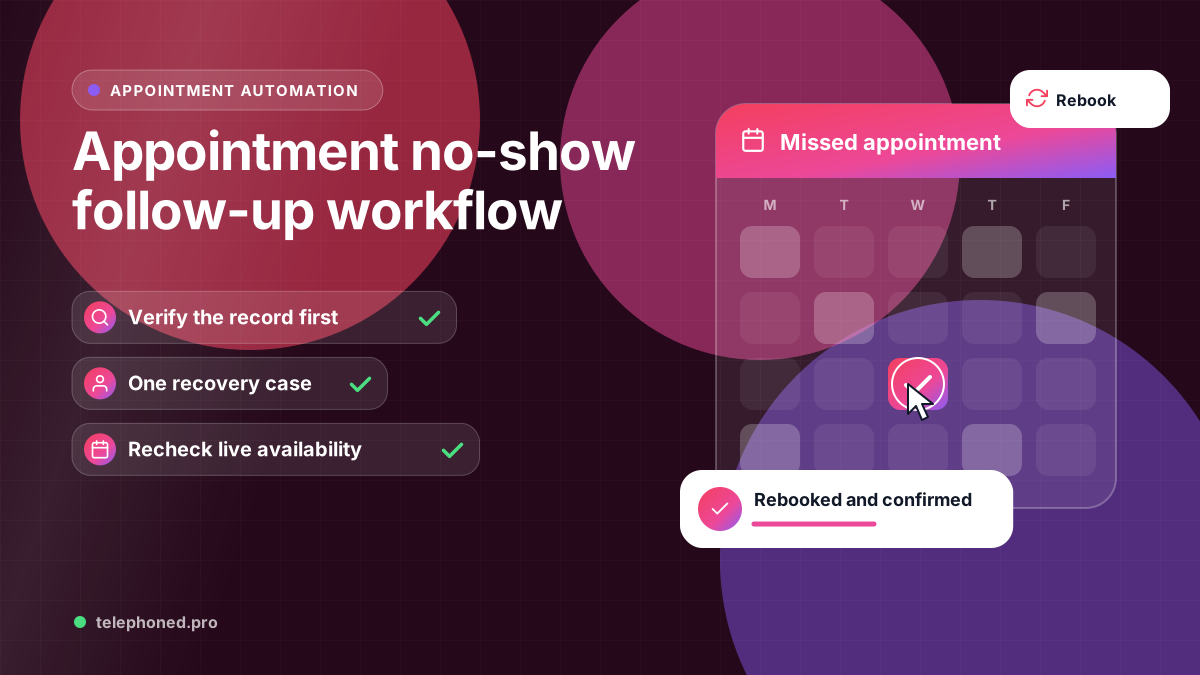
Appointment No-Show Follow-Up: A Safe Recovery Workflow
Build a no-show follow-up workflow that verifies appointment status, avoids duplicate bookings and gives customers a clear path to reschedule.
Read the guide →Business Automation
Plan business automation failure recovery with confirmed outcomes, safe retries, human ownership and tests that prevent duplicate bookings or CRM records.
AI-assisted editorial guide, reviewed against official platform documentation. The workflow is a proposed design pattern, not a customer result or a guarantee of integration capabilities.
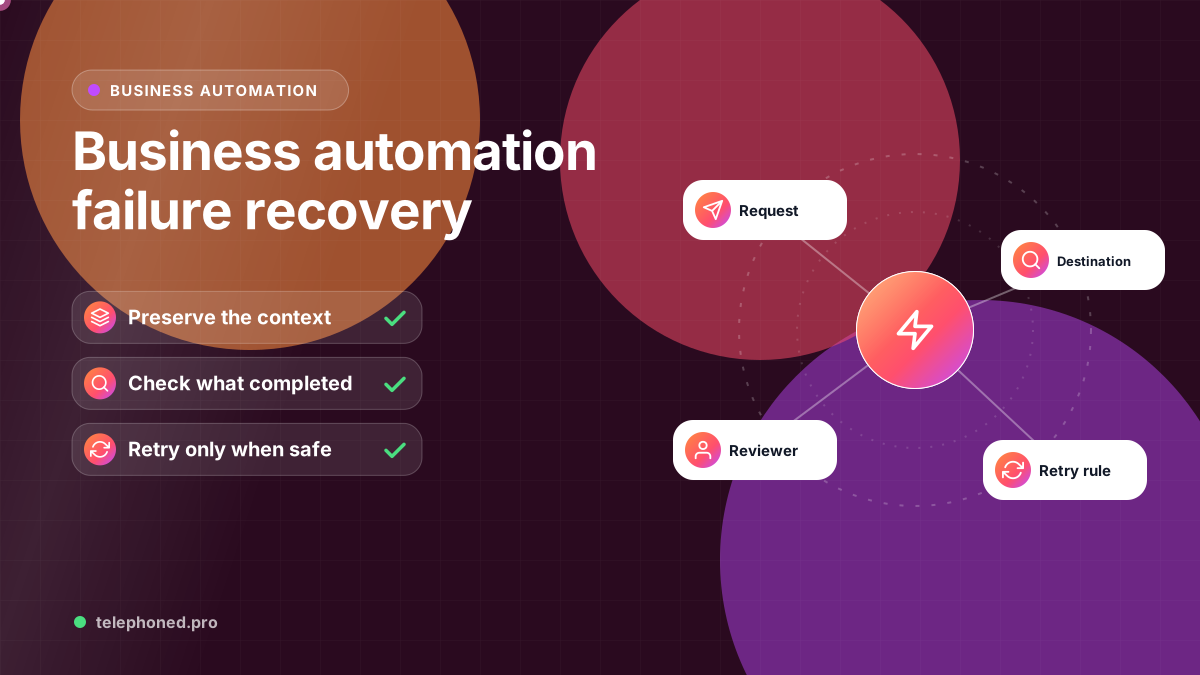
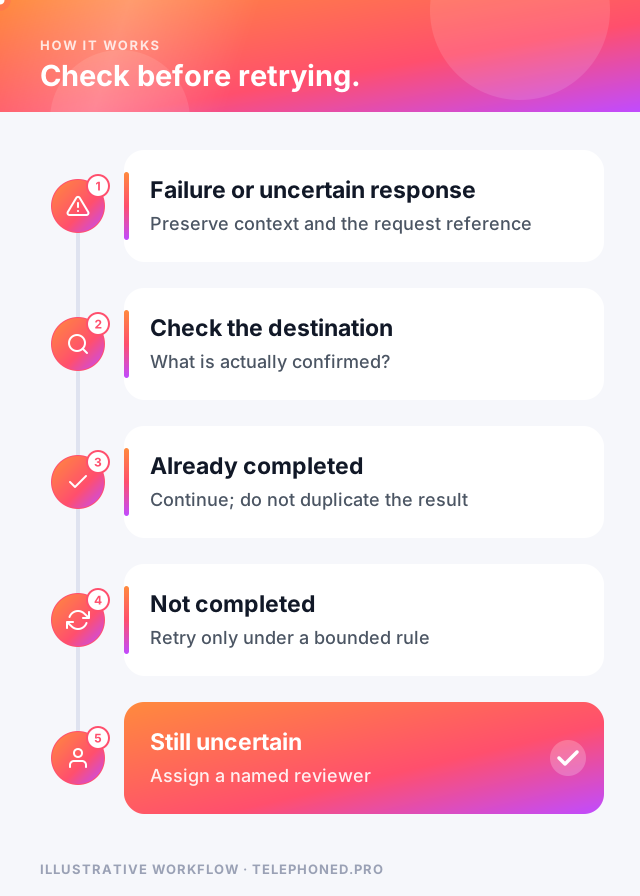
An automation should preserve the unfinished work, record the last confirmed action and route the exception to a named person. It should not tell a customer that a booking, payment or record update succeeded until the destination system confirms it. Retry only when the cause may be temporary and the repeated action can be performed safely.
For example, consider an inquiry that creates a CRM record, checks availability, books an appointment and sends confirmation. If the calendar step times out, the CRM record may already exist. Starting the entire workflow again could create a second lead, a duplicate booking or two messages. First check what actually happened, then resume from a known state.
A brief connection failure may justify a limited retry after a delay. Missing permissions, rejected data, an unsupported request or an approval requirement usually calls for correction or human review. A timeout leaves uncertainty: the other system may have accepted the action even though the response was lost.
Treat retry schedules, alert thresholds and ownership as design decisions for the actual workflow. A generic recommendation to retry everything three times is not a substitute for checking the destination tool's behavior.
Use a workflow reference and record the source request, attempted action, destination record reference, confirmed outcome and unresolved next step. Store only the information the operator needs; avoid putting credentials or unnecessary customer details into alerts.
An automation platform's execution history helps diagnose a failure. It does not, by itself, prove that the external business outcome happened. Reconcile the execution with the calendar, CRM or invoice record when the result is uncertain.
Before replaying a write, check whether the destination already contains the intended record. Where supported, use the destination's documented idempotency mechanism so a repeated request with the same operation reference does not create a second result. This is a property to verify for each integration, not a capability to assume for every connector.
For a confirmed booking, the workflow can continue to the next unfinished step. For an unconfirmed booking, preserve the request and explain that confirmation is pending. Avoid cancelling a valid appointment merely because the confirmation message failed.
| Failure | Example | Safe response |
|---|---|---|
| Temporary outage | The calendar or CRM does not respond for a few minutes | Retry a limited number of times with a delay, then hand to a person |
| Missing or invalid data | No phone number, an impossible date or an unknown service | Stop and ask for the missing detail; do not guess |
| Uncertain result | A timeout after a booking request was sent | Check the destination first; only retry if nothing was created |
| Expired access | A connected account's permission or token has expired | Pause the workflow and alert the workflow owner |
| Silent wrong result | The run succeeds but books the wrong time or customer | Catch it with output checks and route it to review |
Writing this table for your own workflow before launch is one of the most useful exercises in automation design. It forces a decision about each failure while there is time to think, instead of during a busy afternoon when a customer is waiting for an answer.
Some situations should never be retried automatically, because repeating the action could cause more harm than the original failure:
Every unresolved case needs an owner, a business priority and a clear next action. An alert saying “scenario failed” leaves the person to reconstruct the problem. A useful handoff explains which action is uncertain, what has already been confirmed and what the operator must check before continuing.
Set an escalation rule for an unacknowledged exception. The right threshold depends on the work: an appointment starting soon and a routine record update have different consequences. Measure the age of unresolved exceptions as well as the number of successful runs.
Test an unavailable integration, invalid input, duplicate request, expired access and a timeout after the destination accepted an action. Check that incomplete work is retained, the correct person is notified and the customer receives accurate status. Then recover the test case and confirm that completed steps were not duplicated.
Also test silent failure: the workflow runs without an error but produces an incomplete or incorrect business record. Compare a sample of source requests with the actual destination results. A successful execution count alone cannot establish that all required work was completed correctly.
Map the normal and exception paths together. Choose a pilot with a measurable finished result and a manual fallback. During a demo, ask the provider to show a failed step and its recovery as well as the successful path.
Keep reading
Bring one real workflow. We will show you how calls, follow-up and scheduling could connect for your business.